

Meet the Neural4D Image to OBJ. Simply select 'Generate 3D', 'Generate image', or 'Generate video' directly in the interface and provide a natural language description. The agent instantly processes your request and delivers production-ready assets right inside your browser, drastically shortening your operation time.
What is Image to OBJ? It is an AI-driven process that extracts depth and geometric data from a flat 2D photograph to synthesize a fully dimensional OBJ file. By leveraging our Direct3D-S2 engine and Volumetric Inference, Neural4D reconstructs high-fidelity topologies at lightning speed.
Our Spatial Sparse Attention (SSA) mechanism enables the Direct3D-S2 engine to calculate depth and structure from a single perspective in milliseconds, bypassing hours of manual sculpting.

Unlike basic generators that output non-manifold geometry, our algorithm natively outputs high-density triangular meshes with closed surfaces. This guarantees that your OBJ model is strictly watertight.

Every OBJ file is generated alongside a complete suite of Physically Based Rendering (PBR) maps, ensuring that your final asset behaves realistically under dynamic lighting conditions.
Experience the seamless routing workflow of the Neural4D Image to OBJ.
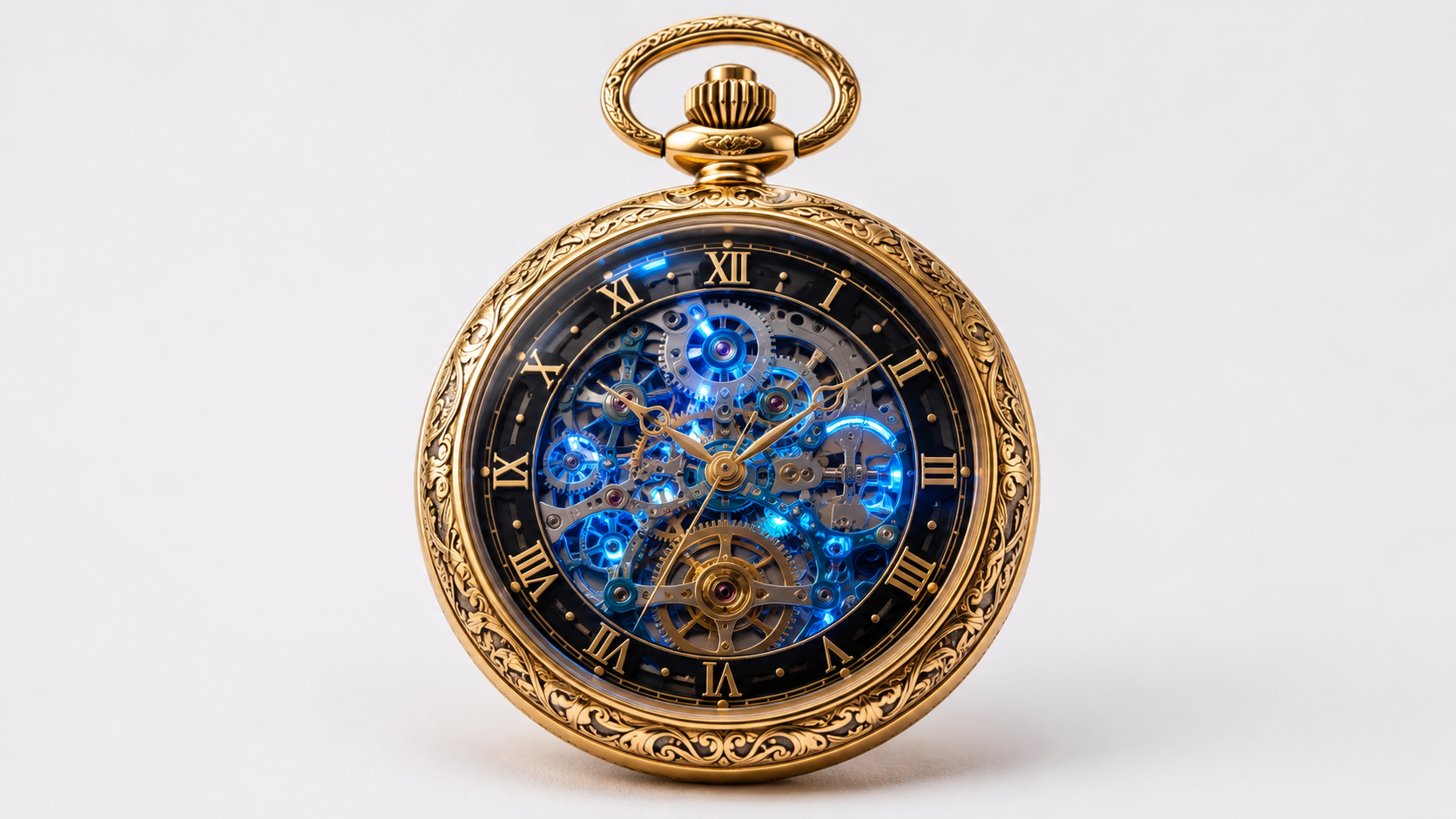
Upload a clear JPG, PNG, or WebP photograph. The AI analyzes the lighting, shadows, and silhouette to understand the subject's three-dimensional structure.
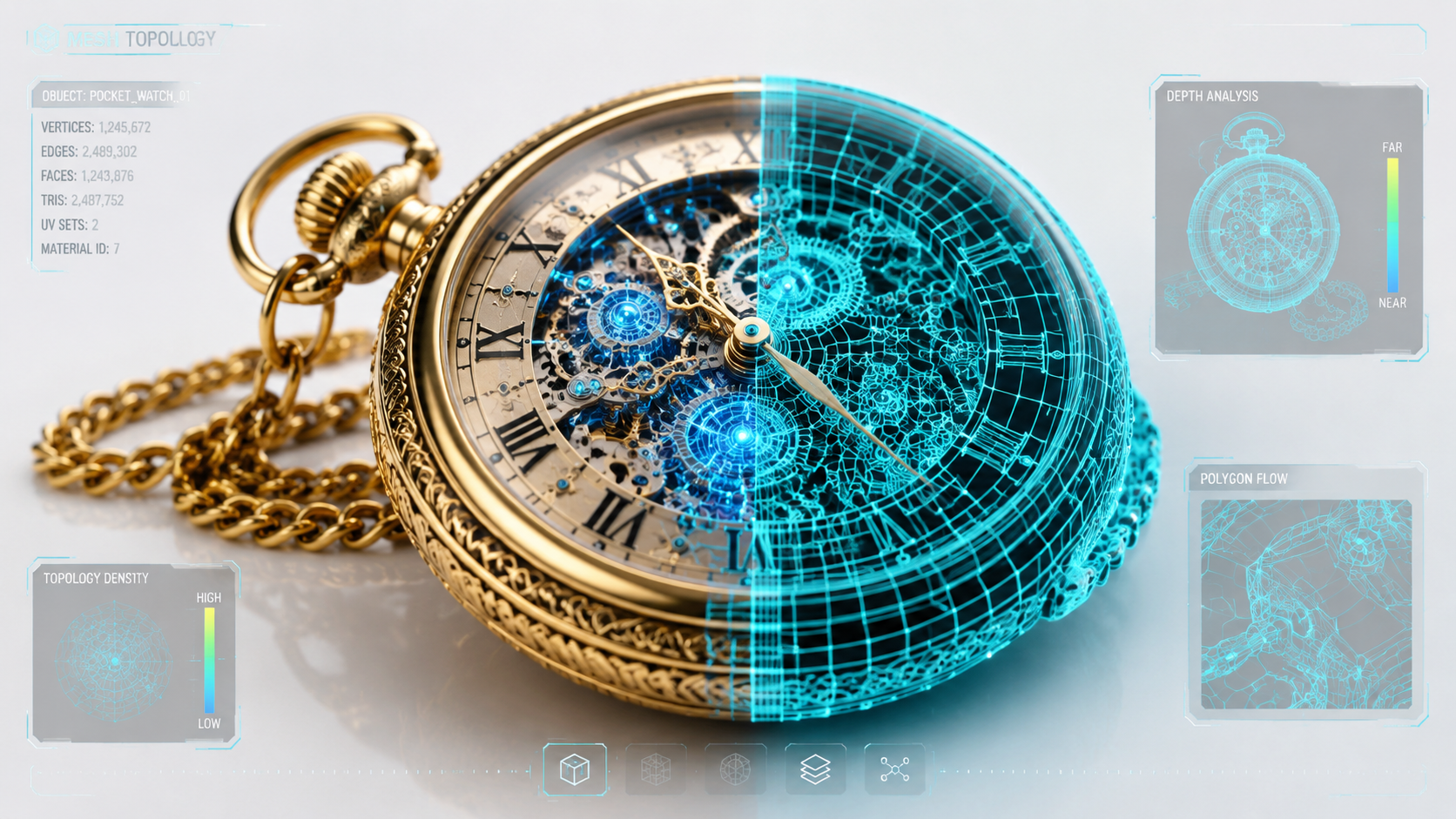
The spatial sparse attention (SSA) mechanism kicks in, synthesizing a robust wireframe. The engine mathematically infers the occluded back-angles, generating a high-density triangular mesh from a single perspective.
Download the finalized, watertight OBJ file. It arrives complete with mapped PBR textures and MTL data, instantly ready for your slicer software or 3D rendering pipeline.
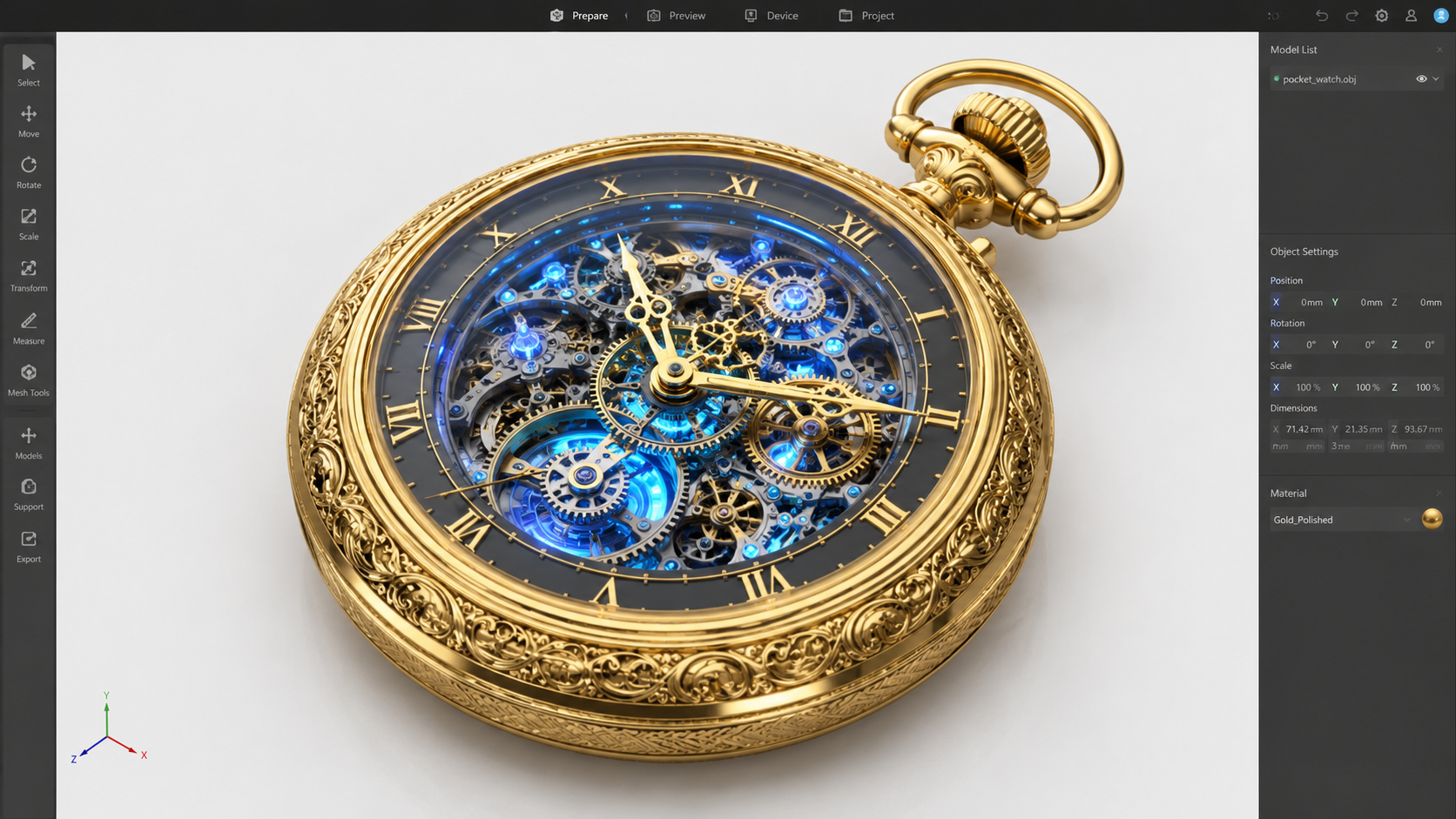
Discover how top industries leverage our Image to OBJ technology.
Produce watertight, high-density triangular meshes specifically optimized for high-precision 3D printing workflows.
Convert flat references into full 3D furniture models with intricate parametric details and native material mapping.
Extract geometric data from 2D blueprints to reconstruct robust mechanical parts with clean topology.
Transform concept art into production-ready OBJ files, carrying PBR texture information straight into Unreal Engine.
Join the Neural4D Studio and let our engine turn your photos into production-ready 3D models.
Generate OBJ Files Free →
Image to OBJ is the process of using AI to analyze a 2D image and generate a 3-dimensional geometric model saved in the .obj format. Neural4D uses volumetric inference to estimate depth and structure from a single JPG or PNG, producing a watertight mesh.
Yes. Neural4D specifically engineers its high-density triangular meshes to be watertight, ensuring there are no non-manifold edges. They are ready for immediate use in slicer software for additive manufacturing.
Yes, our pipeline supports JPG, JPEG, PNG, and WebP images, up to 20 MB. Standard JPG or PNG formats give the best processing fidelity.
Neural4D leverages the Volumetric Inference capabilities of Direct3D-S2, meaning the complete Image to OBJ generation process typically finishes in under 90 seconds, bypassing hours of manual 3D modeling.
Yes, every OBJ model downloaded from the Studio automatically includes a complete set of Physically Based Rendering (PBR) texture maps (such as diffuse, normal, and roughness), alongside the standard MTL file.
While both are standard 3D formats, OBJ files natively support complex texture mapping and PBR materials, making them ideal for game engines and rendering. STL files only store surface geometry without color data, commonly used purely for basic 3D printing.
Absolutely. OBJ is a universally recognized 3D asset format. You can seamlessly drag and drop the generated models directly into Blender, Maya, Unity, Unreal Engine, and most major 3D software suites without conversion.
New users can try the Image to OBJ feature for free in the Neural4D Studio. For high-volume generation, API access, or commercial asset licensing, we offer flexible subscription tiers on our pricing page.

'%3e%3cg%3e%3cpath%20d='M14.22126,2L16.980341,2L10.922359,8.365314L18,17.000000999999997L12.44585,17.000000999999997L8.0973005,11.7527676L3.1189604,17.000000999999997L0.35988006,17.000000999999997L6.7777414,10.1918821L0,2L5.6921029,2L9.6207924,6.7933583L14.22126,2ZM13.255582,15.505536L14.785071,15.505536L4.88837,3.4391145L3.2449181,3.4391145L13.255582,15.505536Z'%20fill='%23ffffff'%20fill-opacity='1'%20style='mix-blend-mode:passthrough'/%3e%3c/g%3e%3c/g%3e%3c/svg%3e)
'%3e%3cg%3e%3cg%3e%3cpath%20d='M17.776579953674315,4.238972914697266C18.530987953674316,2.8357112146972656,17.668764953674316,1.0000038146972656,17.668764953674316,1.0000038146972656C15.728984953674317,1.0000038146972656,14.327326953674316,2.2953194146972655,14.327326953674316,2.2953194146972655C13.572919953674317,1.8635447646972656,11.093512553674316,1.8635447646972656,11.093512553674316,1.8635447646972656C11.093512553674316,1.8635447646972656,8.614197253674316,1.8635447646972656,7.859790753674316,2.2953194146972655C7.859790753674316,2.2953194146972655,6.4587898536743165,1.0000038146972656,4.518257353674317,1.0000038146972656C4.518257353674317,1.0000038146972656,3.6561312536743165,2.8350313146972654,4.410538953674316,4.238972914697266C4.410538953674316,4.238972914697266,2.6862124236743163,5.858135714697266,3.332825653674316,9.312969214697265C3.9408041536743164,12.559363814697265,6.782133553674316,13.415479814697266,8.614197253674316,13.415479814697266C8.614197253674316,13.415479814697266,7.859790753674316,14.063154814697265,7.967603653674316,15.142524814697266C7.967603653674316,15.142524814697266,6.889853453674316,15.790198814697266,5.812196053674317,15.358415814697265C4.734538553674316,14.926723814697265,4.1956536536743165,13.847263814697266,4.1956536536743165,13.847263814697266C4.1956536536743165,13.847263814697266,3.1179590536743165,12.443964814697265,2.0402743556743164,12.983694814697266C2.0402743556743164,12.983694814697266,1.7169677936743164,13.307532814697266,2.9024282136743165,13.847263814697266C2.9024282136743165,13.847263814697266,3.7645722536743165,15.142524814697266,4.087878753674316,15.898144814697266C4.411195253674316,16.653767814697268,6.135446553674316,17.301444814697266,7.860446953674316,16.869661814697267L7.860446953674316,19.352327814697265C7.860446953674316,19.352327814697265,7.860446953674316,19.568219814697265,7.4293847536743165,19.676166814697265C6.998322453674317,19.784110814697264,6.998322453674317,20.000003814697266,7.213853853674316,20.000003814697266L14.974576953674317,20.000003814697266C15.190109953674316,20.000003814697266,15.190109953674316,19.784110814697264,14.759046953674316,19.676166814697265C14.327983953674316,19.568219814697265,14.327983953674316,19.352327814697265,14.327983953674316,19.352327814697265L14.327983953674316,16.869661814697267C14.327983953674316,16.869661814697267,14.337451953674316,15.575053814697265,14.327983953674316,15.142524814697266C14.304263953674317,14.057753814697266,13.573576953674316,13.415479814697266,13.573576953674316,13.415479814697266C15.405640953674316,13.415479814697266,18.246925953674317,12.559363814697265,18.854893953674317,9.312969214697265C19.501579953674316,5.858135714697266,17.777234953674316,4.238972914697266,17.776579953674315,4.238972914697266L17.776579953674315,4.238972914697266Z'%20fill='%23ffffff'%20fill-opacity='1'%20style='mix-blend-mode:passthrough'/%3e%3c/g%3e%3c/g%3e%3c/g%3e%3c/svg%3e)


