

Neural4D's AI Image Generator bridges the gap between text prompts, 2D art creation, and production-grade 3D assets. Generate lossless digital concepts and deploy them seamlessly into our Direct3D-S2 pipeline to instantly produce quad-dominant topology models for your game engines.

Generate from four engines: GPT Image 2 for deep prompt understanding, Nano Banana Pro for fast photorealistic output, Seedream 4.5 for detail-rich imagery, and Flux 2 Pro for high-fidelity commercial visuals.
Click to transition any generated 2D image into a watertight 3D model using the Direct3D-S2 engine, ready for game engines and 3D printing.

Preserve every pixel, color gradient, and edge sharpness. Export your artwork as lossless PNG from 1K to 4K, optimized for further editing.

Generate highly detailed character concepts or scenery drafts, then instantly feed them into the Direct3D-S2 engine to create textured 3D assets for game development pipelines.

Convert flat sketches or generated products into watertight physical models. Generate the base image and directly output watertight STL models ready for slicing and printing.

Produce eye-catching campaign banners, social posts, and product visuals without a photo shoot, ready to publish across channels.

Translate descriptive text prompts or simple sketches into realistic product design layouts, showing precise textures and details, ready for client reviews.
Compare our four image generation models and the image to 3D conversion pipeline to pick the right engine for your creative production.
| Generator Feature | Supported Inputs | Output Format | Key Technical Facts |
|---|---|---|---|
| GPT Image 2 | Detailed text prompts, style seeds | Lossless PNG | Deep prompt understanding, resolution 1K to 4K |
| Nano Banana Pro | Short prompts, style categories | Lossless PNG | Fast photorealistic output, resolution 1K to 4K |
| Seedream 4.5 | Detailed text prompts | Lossless PNG | Stable, detail-rich imagery, resolution 1K to 4K |
| Flux 2 Pro | Commercial briefs, precise rendering | Lossless PNG | High-fidelity commercial visuals, resolution 1K to 4K |
| Generate 3D | Generated 2D image (PNG/JPG) | OBJ, GLB, STL, FBX, USDZ, BLEND | Direct3D-S2 engine, watertight manifold meshes |
Looking for other capabilities? Explore All Neural4D Features →
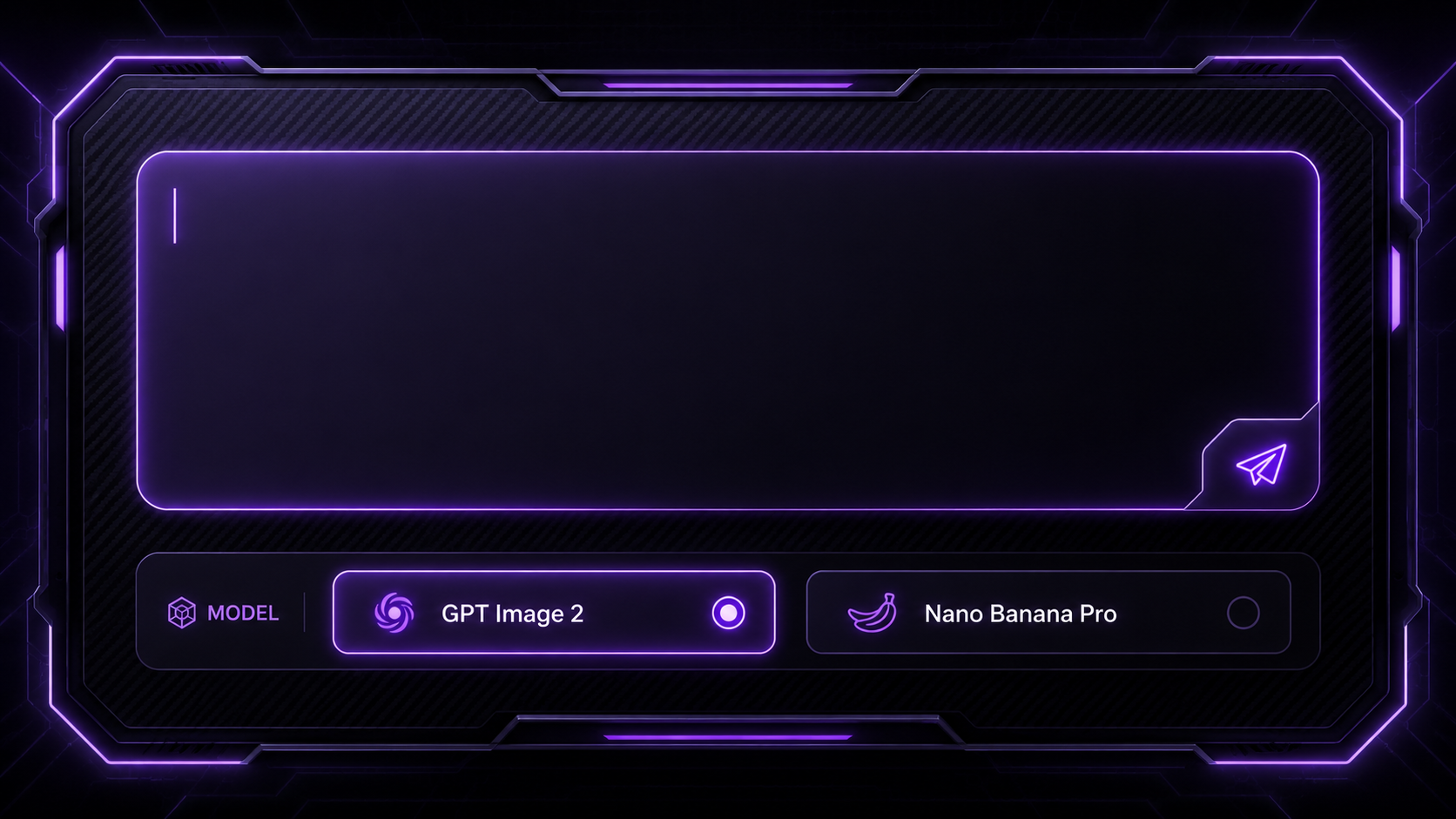
Access the Neural4D Studio dashboard and enter your text prompts. Select from four models: GPT Image 2 for complex illustrations, Nano Banana Pro for photorealism, Seedream 4.5 for detail-rich scenes, or Flux 2 Pro for commercial-grade renders.
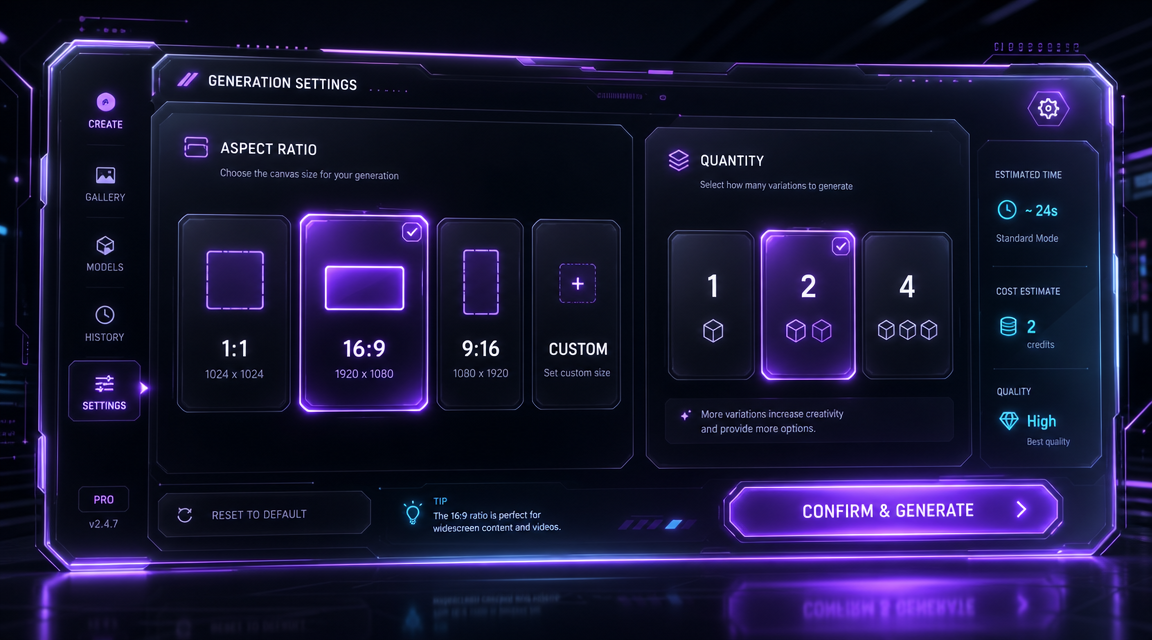
Select your canvas dimensions (1:1, 16:9, 9:16, or 4:3), a resolution tier from 1K to 4K, and the quantity of variations (1, 2, or 4 images per generation).
Click "Generate Image" to execute. The engines will compile your image in seconds. Under the output, use "Regenerate" for variations or "Edit" to refine details.
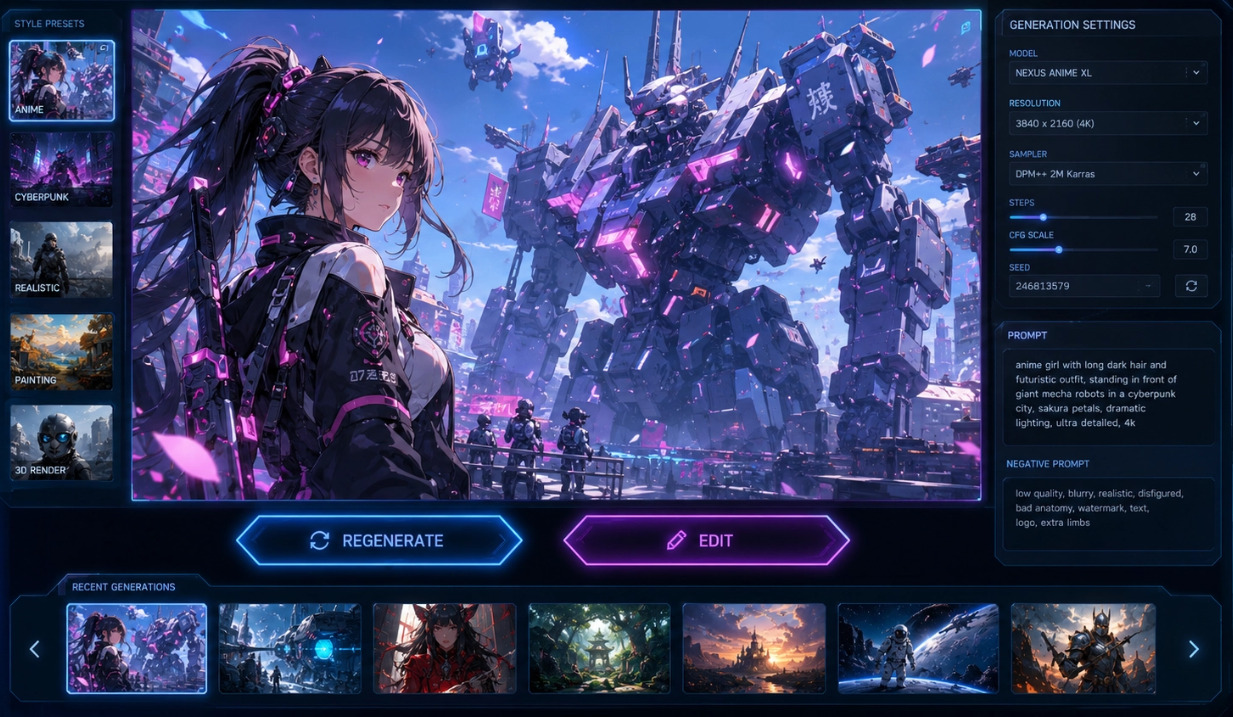
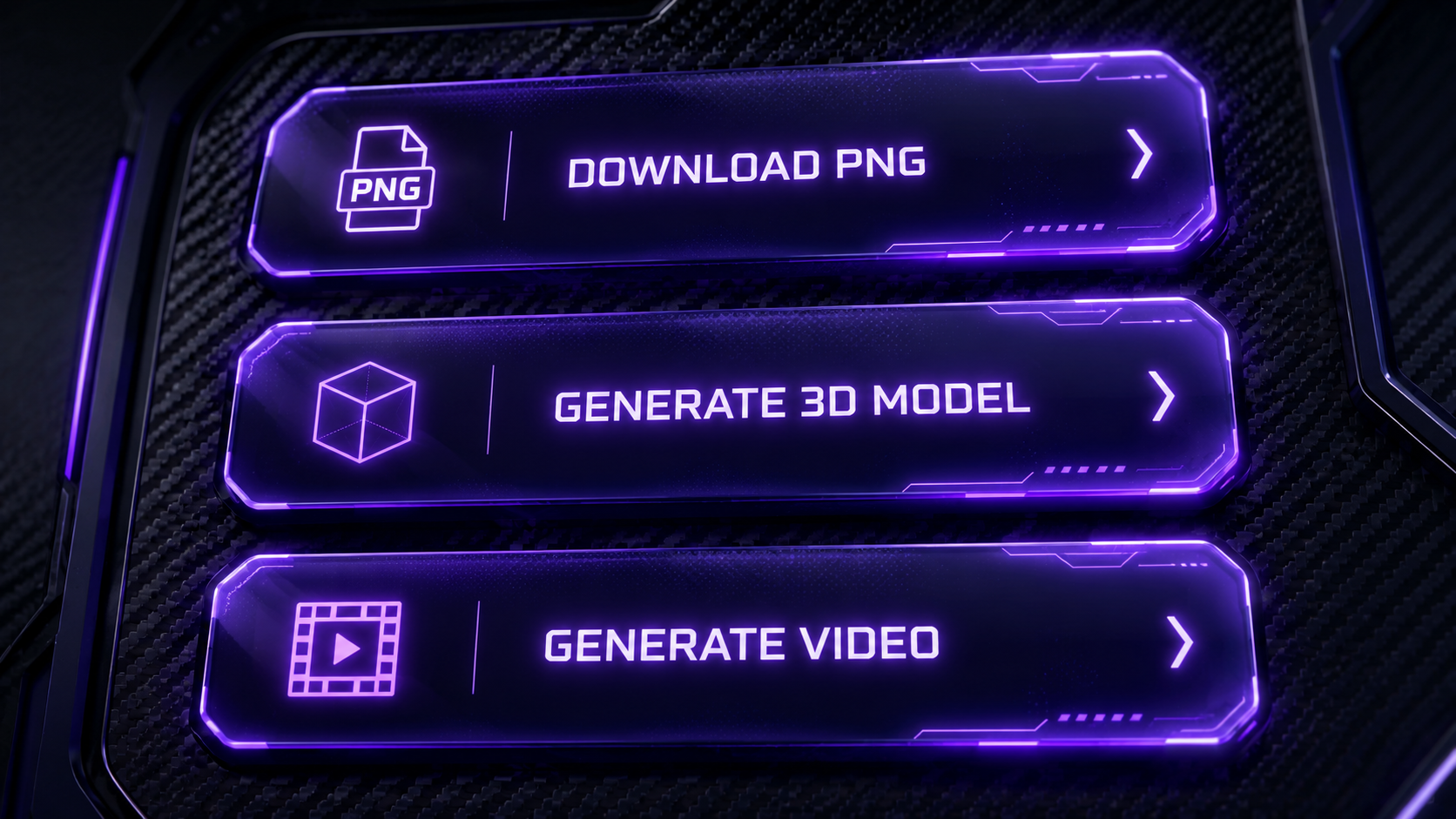
Download your output image in high-quality PNG format, or click "Generate 3D" to turn it into a watertight 3D model.
Free accounts refill 50 Power credits every week.

Neural4D features four image generation engines: GPT Image 2 for deep prompt understanding, Nano Banana Pro for fast photorealistic output, Seedream 4.5 for stable, detail-rich imagery, and Flux 2 Pro for high-fidelity commercial visuals.
Yes, absolutely. Underneath every generated image in our studio, there is a 'Generate 3D' button. Clicking it instantly sends the 2D image to our Direct3D-S2 algorithm, which outputs a watertight 3D model within 90 seconds.
Yes. Each generation supports a resolution tier from 1K to 4K. Higher tiers use more compute and consume more credits while delivering sharper detail for large delivery formats, while 1K is well suited to quick drafts and thumbnails.
Currently, Neural4D supports downloading all generated images in high-quality lossless PNG format to preserve fine pixel structures and color fidelity for design pipelines.
Yes. Paid subscribers receive a full commercial license for all images and downstream 3D/video assets generated on Neural4D. Free users are limited to personal, trial use.

'%3e%3cg%3e%3cpath%20d='M14.22126,2L16.980341,2L10.922359,8.365314L18,17.000000999999997L12.44585,17.000000999999997L8.0973005,11.7527676L3.1189604,17.000000999999997L0.35988006,17.000000999999997L6.7777414,10.1918821L0,2L5.6921029,2L9.6207924,6.7933583L14.22126,2ZM13.255582,15.505536L14.785071,15.505536L4.88837,3.4391145L3.2449181,3.4391145L13.255582,15.505536Z'%20fill='%23ffffff'%20fill-opacity='1'%20style='mix-blend-mode:passthrough'/%3e%3c/g%3e%3c/g%3e%3c/svg%3e)
'%3e%3cg%3e%3cg%3e%3cpath%20d='M17.776579953674315,4.238972914697266C18.530987953674316,2.8357112146972656,17.668764953674316,1.0000038146972656,17.668764953674316,1.0000038146972656C15.728984953674317,1.0000038146972656,14.327326953674316,2.2953194146972655,14.327326953674316,2.2953194146972655C13.572919953674317,1.8635447646972656,11.093512553674316,1.8635447646972656,11.093512553674316,1.8635447646972656C11.093512553674316,1.8635447646972656,8.614197253674316,1.8635447646972656,7.859790753674316,2.2953194146972655C7.859790753674316,2.2953194146972655,6.4587898536743165,1.0000038146972656,4.518257353674317,1.0000038146972656C4.518257353674317,1.0000038146972656,3.6561312536743165,2.8350313146972654,4.410538953674316,4.238972914697266C4.410538953674316,4.238972914697266,2.6862124236743163,5.858135714697266,3.332825653674316,9.312969214697265C3.9408041536743164,12.559363814697265,6.782133553674316,13.415479814697266,8.614197253674316,13.415479814697266C8.614197253674316,13.415479814697266,7.859790753674316,14.063154814697265,7.967603653674316,15.142524814697266C7.967603653674316,15.142524814697266,6.889853453674316,15.790198814697266,5.812196053674317,15.358415814697265C4.734538553674316,14.926723814697265,4.1956536536743165,13.847263814697266,4.1956536536743165,13.847263814697266C4.1956536536743165,13.847263814697266,3.1179590536743165,12.443964814697265,2.0402743556743164,12.983694814697266C2.0402743556743164,12.983694814697266,1.7169677936743164,13.307532814697266,2.9024282136743165,13.847263814697266C2.9024282136743165,13.847263814697266,3.7645722536743165,15.142524814697266,4.087878753674316,15.898144814697266C4.411195253674316,16.653767814697268,6.135446553674316,17.301444814697266,7.860446953674316,16.869661814697267L7.860446953674316,19.352327814697265C7.860446953674316,19.352327814697265,7.860446953674316,19.568219814697265,7.4293847536743165,19.676166814697265C6.998322453674317,19.784110814697264,6.998322453674317,20.000003814697266,7.213853853674316,20.000003814697266L14.974576953674317,20.000003814697266C15.190109953674316,20.000003814697266,15.190109953674316,19.784110814697264,14.759046953674316,19.676166814697265C14.327983953674316,19.568219814697265,14.327983953674316,19.352327814697265,14.327983953674316,19.352327814697265L14.327983953674316,16.869661814697267C14.327983953674316,16.869661814697267,14.337451953674316,15.575053814697265,14.327983953674316,15.142524814697266C14.304263953674317,14.057753814697266,13.573576953674316,13.415479814697266,13.573576953674316,13.415479814697266C15.405640953674316,13.415479814697266,18.246925953674317,12.559363814697265,18.854893953674317,9.312969214697265C19.501579953674316,5.858135714697266,17.777234953674316,4.238972914697266,17.776579953674315,4.238972914697266L17.776579953674315,4.238972914697266Z'%20fill='%23ffffff'%20fill-opacity='1'%20style='mix-blend-mode:passthrough'/%3e%3c/g%3e%3c/g%3e%3c/g%3e%3c/svg%3e)


