

Turn 2D Cartoon Art into Fully Rendered 3D Models
Upload a 2D cartoon or anime character image (JPG, JPEG, PNG, WebP, max 20 MB) or enter a text description. Neural4D's Direct3D-S2 AI reconstructs a high-density 3D mesh with color textures. Download as OBJ, GLB, STL, or FBX and use it in games, animation, or 3D printing.
From a single character image to a production-ready 3D asset, in one step.
Neural4D's Direct3D-S2 algorithm generates detailed triangular meshes (up to 500K faces) that capture stylized character shapes and surface details.
Colors are sampled from the reference image and baked onto the mesh as PBR-compatible textures, preserving the original cartoon palette.
Download as OBJ, GLB, FBX, STL, USDZ, or BLEND. The watertight mesh works in Unity, Unreal, Blender, and most slicing software.
Creators across game dev, animation, and collectible figure communities use this tool to skip the manual modeling step.
Generate playable character assets and NPC models from character concept sheets, then import directly into Unity or Unreal.

Get a base mesh for your 2D character design, then refine in Blender and rig for VTubing or short animation projects.

Export the model as STL, load into your slicer, and print stylized figures. The watertight mesh minimizes manual repair before printing.

Push a flat 2D design into 3D to check proportions and silhouette from all angles before committing to full production modeling.
Three steps from character image to downloadable 3D asset.
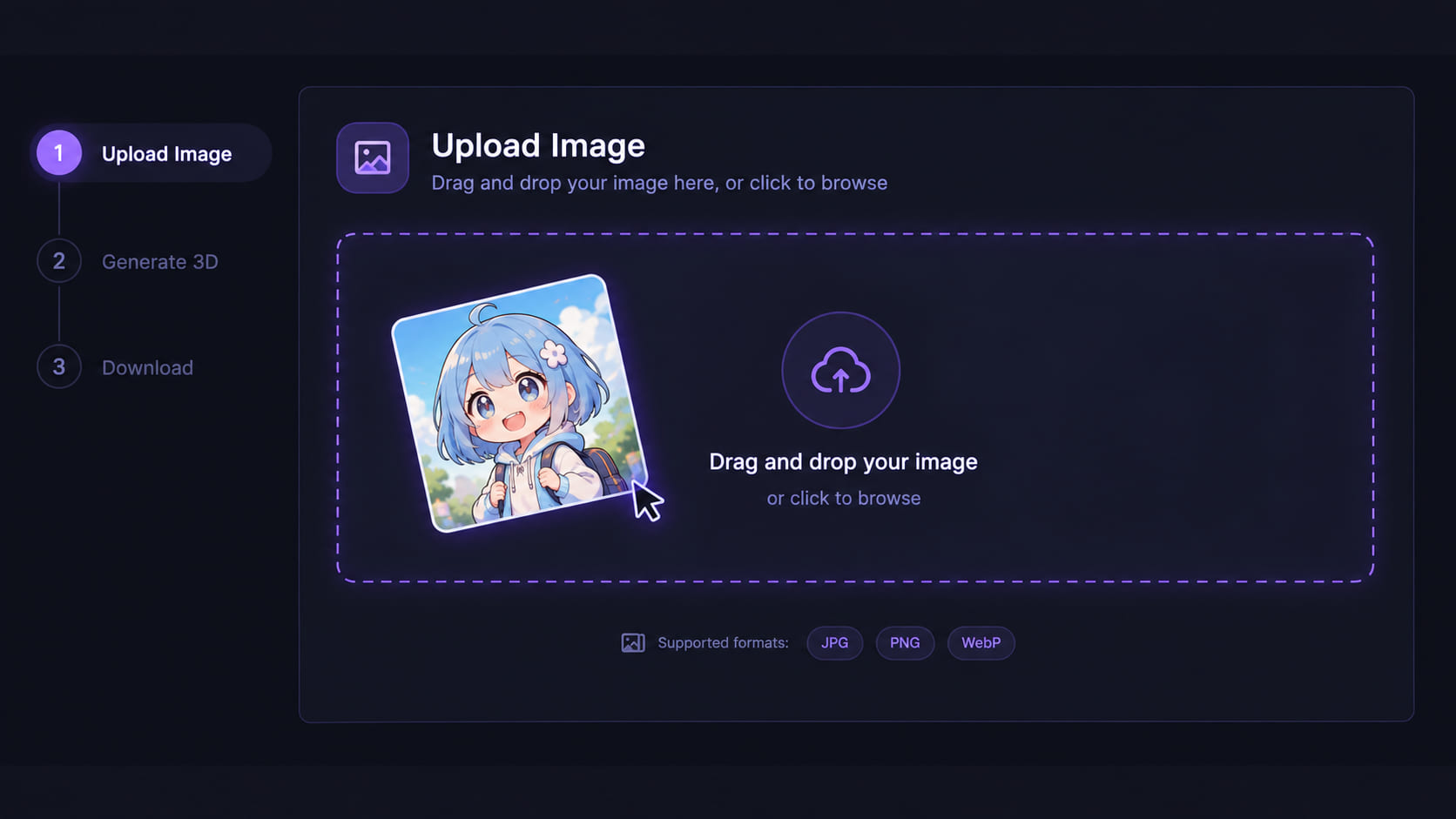
Open the Image to 3D tool in the Neural4D Studio. Drag, click, or paste a front-facing 2D cartoon character image (JPG, JPEG, PNG, or WebP, max 20 MB). You can also enter a text description to generate directly from a prompt. Before clicking Generate, choose your topology (Triangle for maximum detail, or Quad for animation-ready edge loops) and set your target face count.
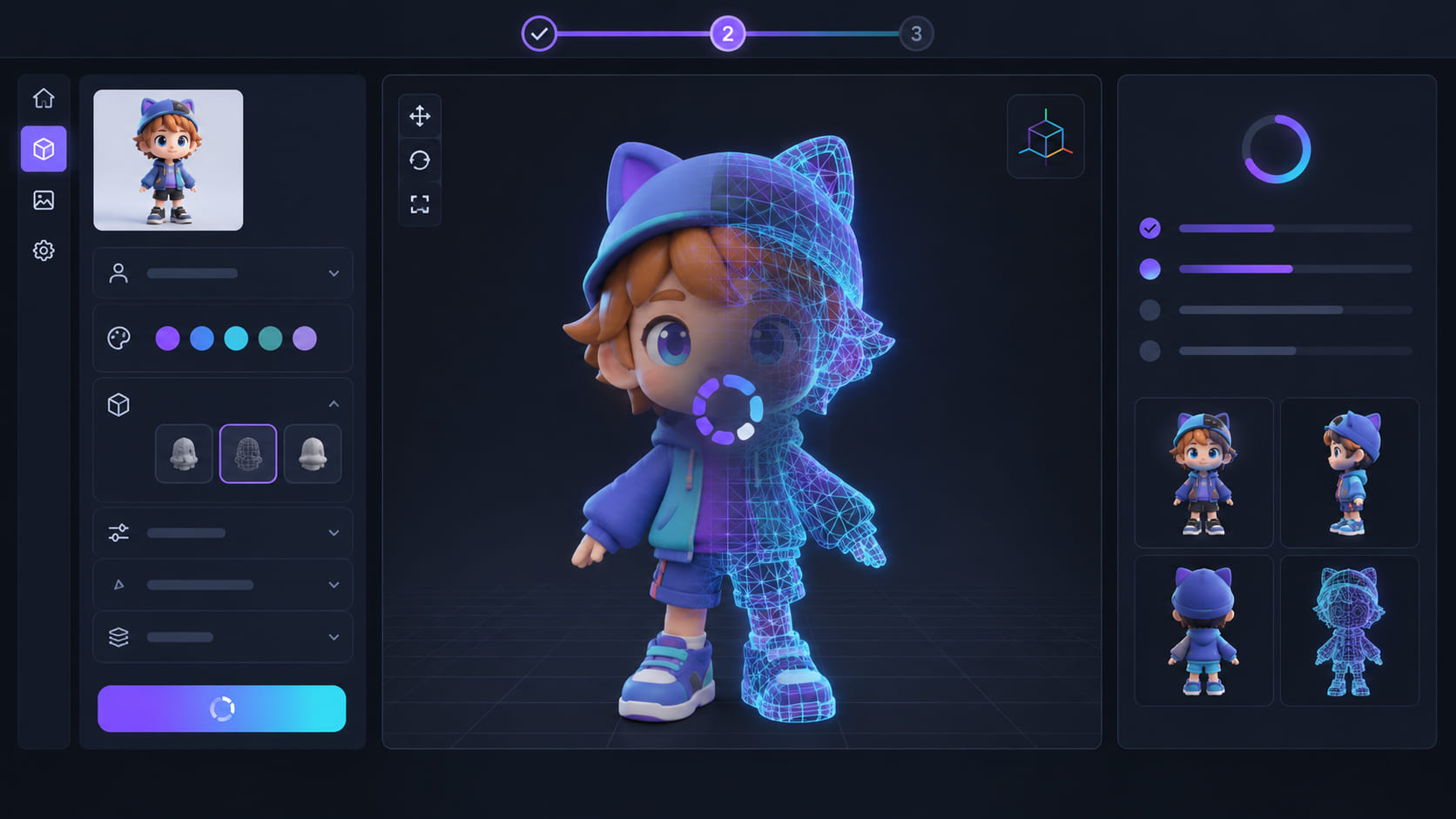
Click Generate. The Direct3D-S2 AI reconstructs 3D geometry from the 2D reference, then bakes color textures from the source image. Base mesh generation takes around 90 seconds. Adding PBR textures extends total time to 2 minutes or more. The result is a fully colored 3D model ready for preview in the built-in viewer.
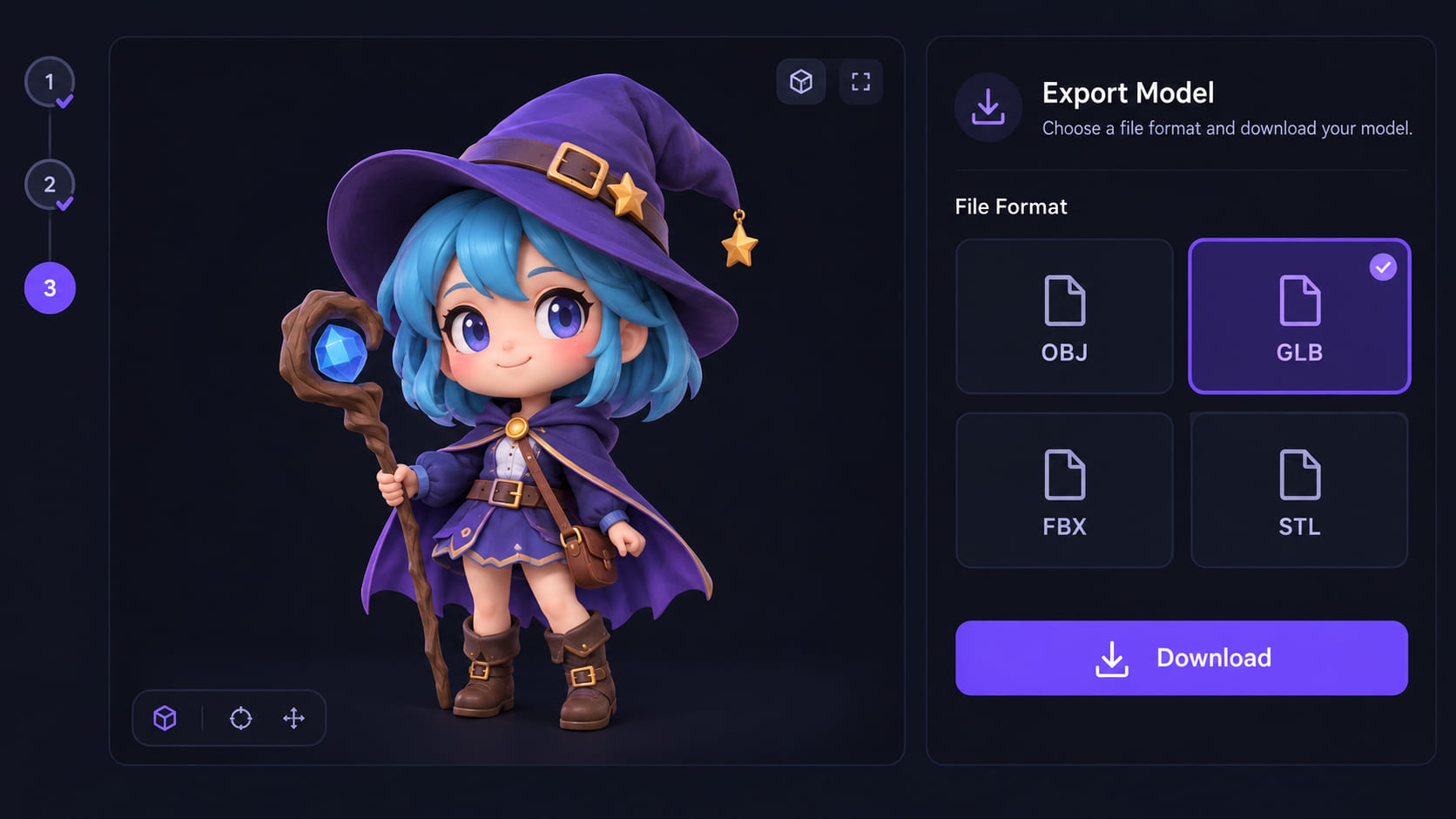
Open the export panel and choose OBJ, GLB, FBX, STL, USDZ, or BLEND. Import the file into Unity, Unreal, Blender, or your slicer. For a different look or refined geometry, use Neural4D-2o in the same session to adjust the model through natural language before downloading (30 Credits per edit).

Yes. Upload a front-facing 2D cartoon or anime character image (JPG, JPEG, PNG, or WebP, max 20 MB) to Neural4D's Image to 3D tool. The AI reconstructs geometry from the reference art and returns a high-density triangular mesh with baked color textures.
You can download the generated cartoon model as OBJ, GLB, FBX, STL, USDZ, or BLEND. GLB works directly in Unity and Unreal. STL is ready for slicing software and 3D printing.
You choose before generating. Triangle topology (default, up to 500,000 faces) preserves the most surface detail. Quad topology (up to 100,000 faces) produces cleaner edge loops suited for rigging and animation. Both options are available in the Studio interface.
Yes. After the initial generation, you can use Neural4D-2o to adjust the mesh through natural language within the same session (30 Credits per edit). For deeper changes, download the model and import it into Blender or Maya.
The model exports as a watertight mesh (STL or OBJ), which you can load into slicing software like Bambu Studio or Ultimaker Cura to prepare for printing. Detailed characters may need additional support geometry depending on the printer and filament type.


