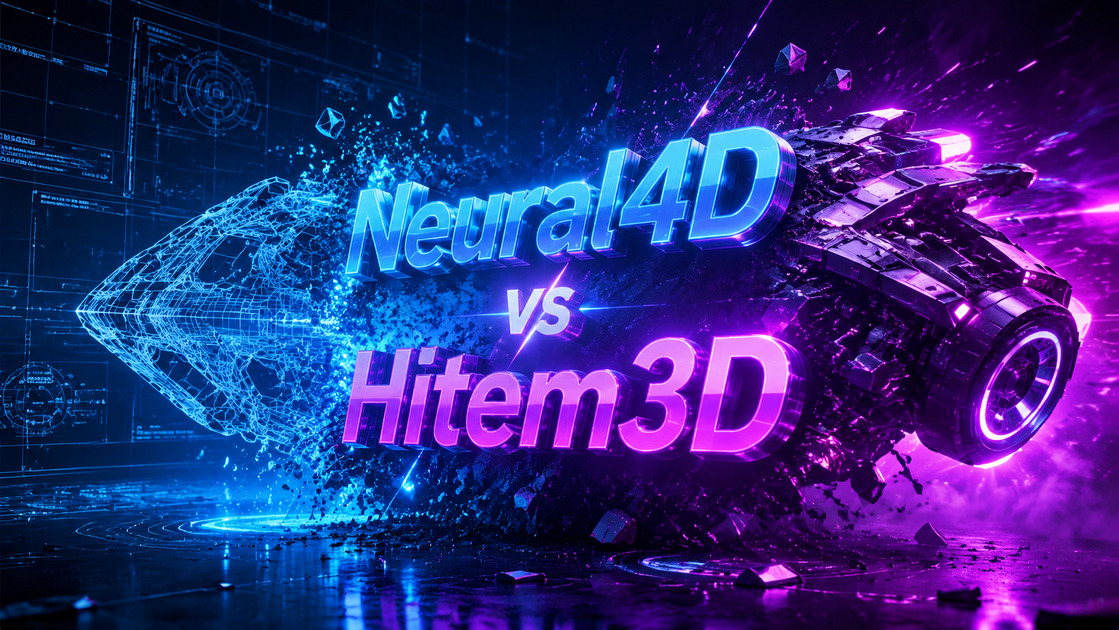
A comprehensive technical benchmark comparing Neural4D's Direct3D-S2 engine against Hitem3D (Hi3D). We analyze mesh watertightness, PBR texture synthesis, topology structure, and 3D printing readiness.
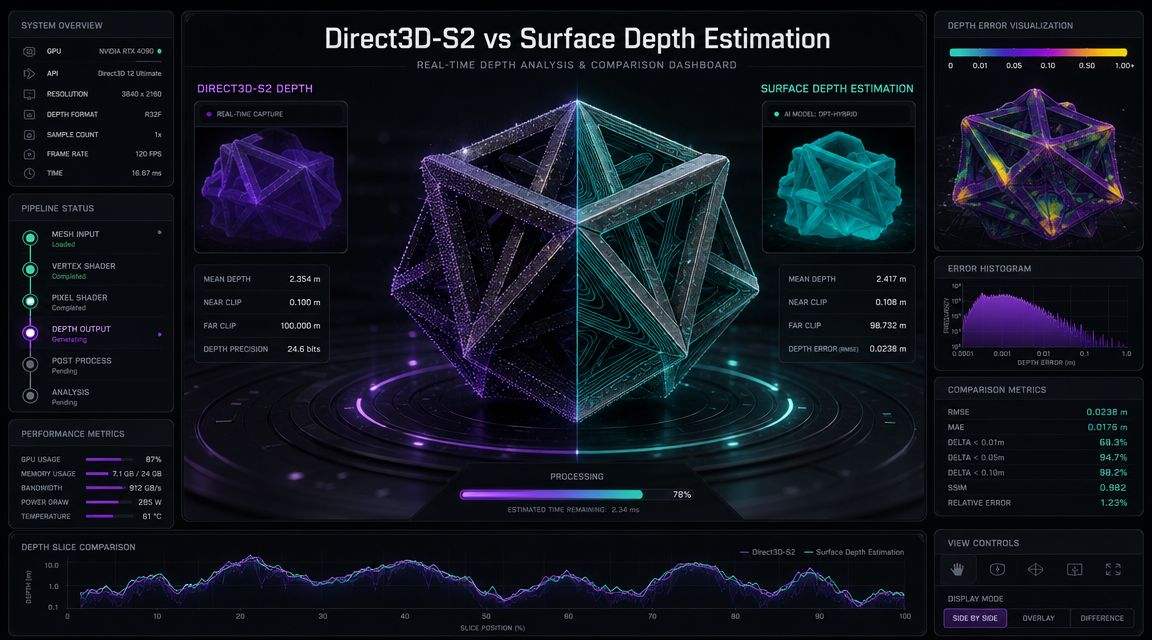
Hitem3D (Hi3D) is designed for quick web-based previews, relying on simple surface depth estimation. While this makes it extremely fast, it often outputs models with open boundaries, non-manifold geometry, and basic vertex coloring instead of true PBR materials. Neural4D’s Direct3D-S2 engine uses full spatial volumetric inference to ensure models are CAD-ready, watertight, and fully textured.

Hitem3D (Hi3D) estimates depth only from what is visible in the source image, leaving hidden sections flat or empty. Neural4D infers a full 3D volume, reconstructing the entire 360° model including complex curves and unseen parts.
Hitem3D (Hi3D) outputs flat vertex colors baked directly into the geometry, which look unnatural under custom engine lighting. Neural4D synthesizes actual PBR materials, exporting independent maps for albedo, normals, roughness, and metalness.

Hitem3D (Hi3D) is built for casual concept sharing with simple web viewer outputs. Neural4D generates mathematically closed volumes (.stl) ready for immediate slicing in Cura or import into CAD platforms with zero mesh repair needed.
Most simple web generators like Hitem3D (Hi3D) skip calculating what they cannot see, creating hollow shells with open backs. Neural4D's Direct3D-S2 engine spends 90 seconds performing a dense volumetric sweep. It predicts and calculates the complete geometry of the hidden side of the asset, ensuring a fully closed, manifold model that is immediately ready for printing or game physics.
What happens when an AI generates a model that is 90% perfect? With Hitem3D (Hi3D), you export it and fix the remaining 10% in Blender. With Neural4D, you just talk to it. Neural4D-2.5 is the industry's leading conversational multi-modal model. Tell it to "make the sword handle longer" or "change the material to rusty iron", and it refines the 3D asset directly in the browser.

Neural4D is designed for professional pipelines. While Hitem3D (Hi3D) is useful for quick prototyping, Neural4D uses the Direct3D-S2 engine to generate production-ready watertight meshes with clean, quad-dominant topology and native PBR materials, making it ideal for game engines and 3D printing.
Neural4D prioritizes gigascale resolution and logically complete geometry. Generating a high-fidelity base mesh takes about 90 seconds. Generating PBR textures is a separate, compute-intensive step. We trade processing time for a massive reduction in manual cleanup.
Yes. Neural4D includes Neural4D-2.5, a conversational AI modeling assistant that allows you to refine geometry, tweak materials, and adjust proportions using natural language after the initial generation.
No. Hitem3D (Hi3D) outputs basic vertex colors only, requiring manual texturing in Blender or Substance Painter. Neural4D synthesizes native PBR material maps (Normal, Roughness, Metallic) tailored to the geometry.
Neural4D generates mathematically closed manifold meshes (watertight). You can send our STL outputs directly to Cura, Chitubox, or PrusaSlicer without manual repair, which is often required when using surface estimators like Hitem3D (Hi3D).
Both tools support basic formats. Neural4D supports universal export to OBJ, GLB, STL, FBX, USDZ, and native BLEND project files.

'%3e%3cg%3e%3cpath%20d='M14.22126,2L16.980341,2L10.922359,8.365314L18,17.000000999999997L12.44585,17.000000999999997L8.0973005,11.7527676L3.1189604,17.000000999999997L0.35988006,17.000000999999997L6.7777414,10.1918821L0,2L5.6921029,2L9.6207924,6.7933583L14.22126,2ZM13.255582,15.505536L14.785071,15.505536L4.88837,3.4391145L3.2449181,3.4391145L13.255582,15.505536Z'%20fill='%23ffffff'%20fill-opacity='1'%20style='mix-blend-mode:passthrough'/%3e%3c/g%3e%3c/g%3e%3c/svg%3e)
'%3e%3cg%3e%3cg%3e%3cpath%20d='M17.776579953674315,4.238972914697266C18.530987953674316,2.8357112146972656,17.668764953674316,1.0000038146972656,17.668764953674316,1.0000038146972656C15.728984953674317,1.0000038146972656,14.327326953674316,2.2953194146972655,14.327326953674316,2.2953194146972655C13.572919953674317,1.8635447646972656,11.093512553674316,1.8635447646972656,11.093512553674316,1.8635447646972656C11.093512553674316,1.8635447646972656,8.614197253674316,1.8635447646972656,7.859790753674316,2.2953194146972655C7.859790753674316,2.2953194146972655,6.4587898536743165,1.0000038146972656,4.518257353674317,1.0000038146972656C4.518257353674317,1.0000038146972656,3.6561312536743165,2.8350313146972654,4.410538953674316,4.238972914697266C4.410538953674316,4.238972914697266,2.6862124236743163,5.858135714697266,3.332825653674316,9.312969214697265C3.9408041536743164,12.559363814697265,6.782133553674316,13.415479814697266,8.614197253674316,13.415479814697266C8.614197253674316,13.415479814697266,7.859790753674316,14.063154814697265,7.967603653674316,15.142524814697266C7.967603653674316,15.142524814697266,6.889853453674316,15.790198814697266,5.812196053674317,15.358415814697265C4.734538553674316,14.926723814697265,4.1956536536743165,13.847263814697266,4.1956536536743165,13.847263814697266C4.1956536536743165,13.847263814697266,3.1179590536743165,12.443964814697265,2.0402743556743164,12.983694814697266C2.0402743556743164,12.983694814697266,1.7169677936743164,13.307532814697266,2.9024282136743165,13.847263814697266C2.9024282136743165,13.847263814697266,3.7645722536743165,15.142524814697266,4.087878753674316,15.898144814697266C4.411195253674316,16.653767814697268,6.135446553674316,17.301444814697266,7.860446953674316,16.869661814697267L7.860446953674316,19.352327814697265C7.860446953674316,19.352327814697265,7.860446953674316,19.568219814697265,7.4293847536743165,19.676166814697265C6.998322453674317,19.784110814697264,6.998322453674317,20.000003814697266,7.213853853674316,20.000003814697266L14.974576953674317,20.000003814697266C15.190109953674316,20.000003814697266,15.190109953674316,19.784110814697264,14.759046953674316,19.676166814697265C14.327983953674316,19.568219814697265,14.327983953674316,19.352327814697265,14.327983953674316,19.352327814697265L14.327983953674316,16.869661814697267C14.327983953674316,16.869661814697267,14.337451953674316,15.575053814697265,14.327983953674316,15.142524814697266C14.304263953674317,14.057753814697266,13.573576953674316,13.415479814697266,13.573576953674316,13.415479814697266C15.405640953674316,13.415479814697266,18.246925953674317,12.559363814697265,18.854893953674317,9.312969214697265C19.501579953674316,5.858135714697266,17.777234953674316,4.238972914697266,17.776579953674315,4.238972914697266L17.776579953674315,4.238972914697266Z'%20fill='%23ffffff'%20fill-opacity='1'%20style='mix-blend-mode:passthrough'/%3e%3c/g%3e%3c/g%3e%3c/g%3e%3c/svg%3e)