

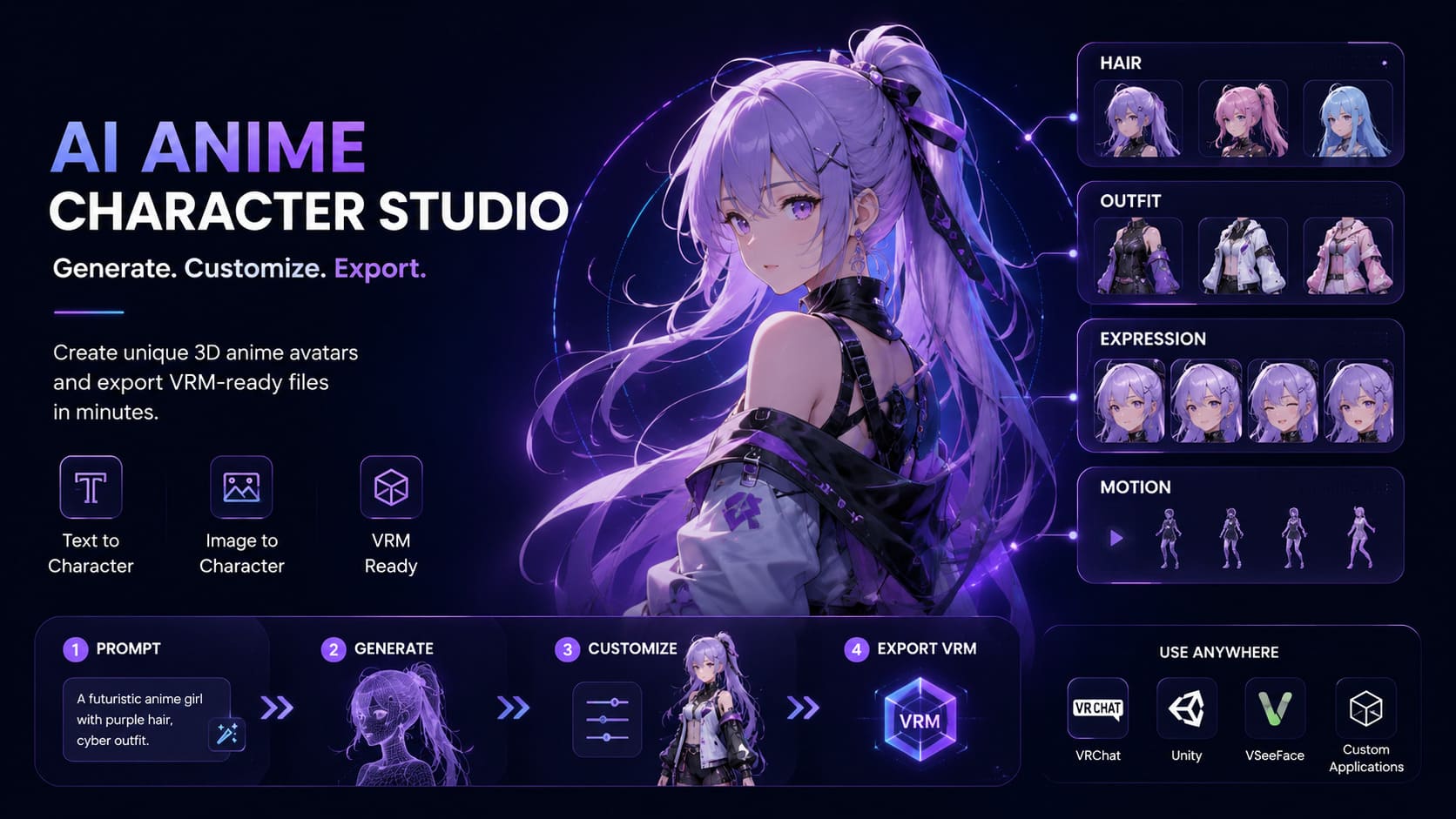
Manual anime character modeling requires weeks of topology cleaning, UV mapping, and rigging.
Neural4D AnimeArt replaces that pipeline with a single browser session.
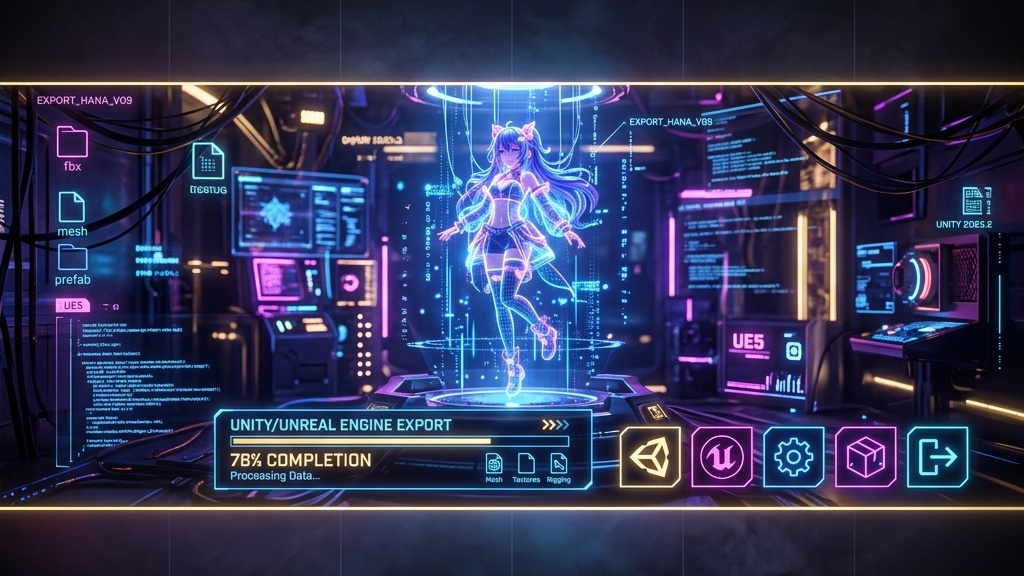
Our optimized Direct3D-S2 Anime kernel understands cel-shaded geometry, generating clean VRM 0.x models with pre-configured
humanoid rigs and 43 baked motion presets, ready for immediate MoCap integration and game engine
deployment in Unity or Unreal Engine.
Bring your character to life with our extensive animation library. Select one specific facial expression from 14 categories and one characteristic motion from 43 presets to be baked into your VRM model.

Take full control of your character's identity. Our decoupled mixing system provides massive libraries for Hairstyles, Clothing (Cloth, Tops, Bottoms), Eyes, and Skin tones, allowing you to create a truly unique digital persona.

Upload your own backgrounds into the studio. Preview how your VRM character interacts with your specific game environment or stream layout before final export.
Activate your webcam in the Tracking tab to instantly motion-capture your expressions and movements directly onto your generated character.

Zero barrier from character sheet to live stream. Export native VRM files that drop directly into VSeeFace, Warudo, and Luppet with full blendshape compatibility.

Populate your world with unique, rigged NPCs and protagonists. Optimized for cel-shading rendering in Unity and Unreal Engine without manual retopology.

Break away from generic avatars. Create your own identity for VRChat and Cluster. Native VRM support ensures your character moves and emotes naturally.

Output mathematically watertight geometry for 3D printing. Perfect for creating custom physical figurines of your unique AI-generated anime designs.
Use our unified input field to type a text prompt, upload a reference image, or combine both for Mixed Generation to create a high-fidelity base role.
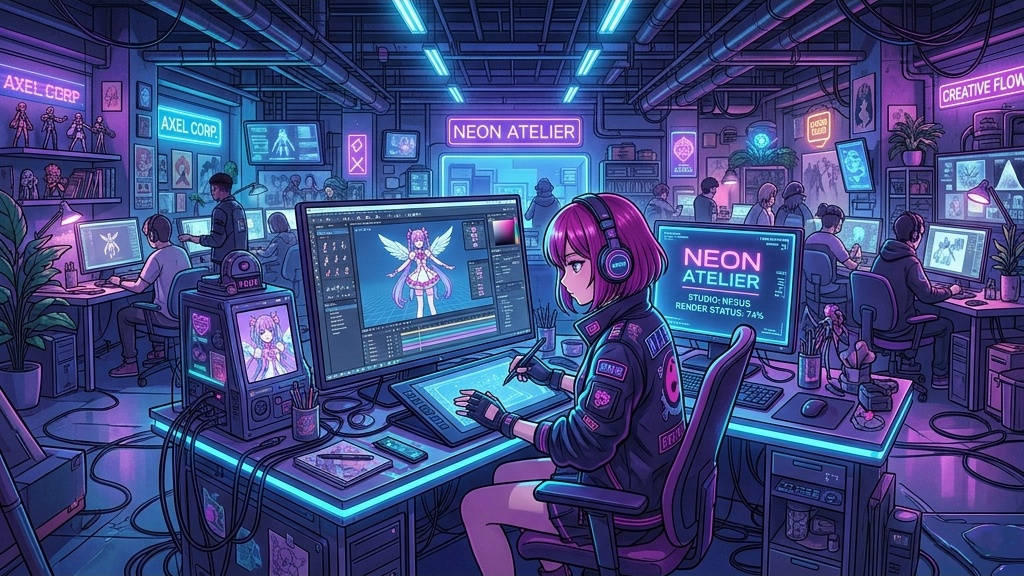
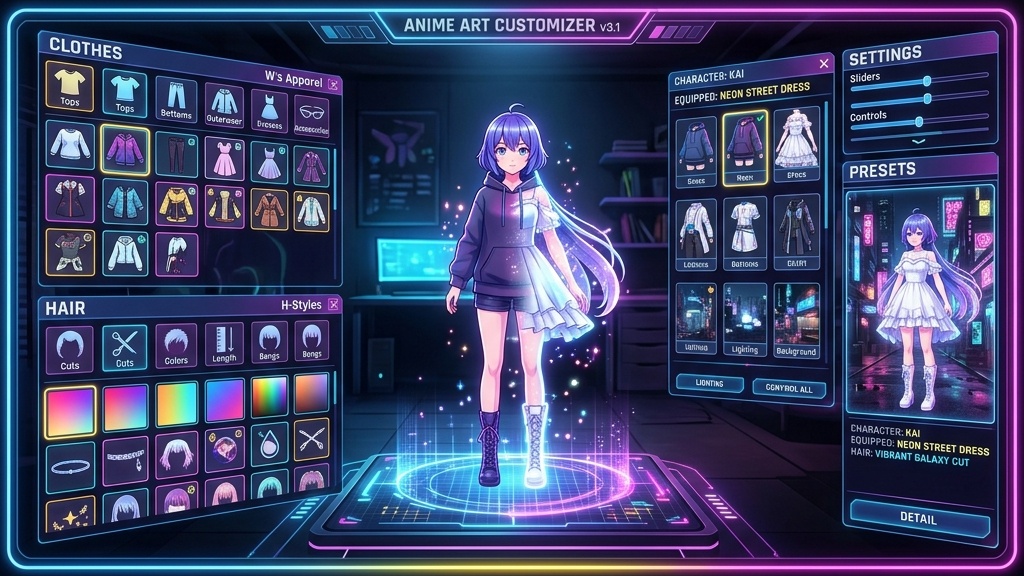
Refine your character using the Studio tabs. Explore extensive options for Expressions, Motions, Hairstyles, Clothing, Eyes, and Skin tones to perfect your avatar.
Test your character with built-in webcam Face Tracking, then one-click export your VRM model for VTubing and game engines.
100% Commercial Use Included

No, our try-before-login experience lets you explore the full interface, compose prompts, and preview scenes without an account. You only need to log in when you are ready to generate or download.
Our unified input allows you to combine a reference photo with a text description in a single request. This lets the AI anchor its output to your image while following the creative cues from your text.
AnimeArt specifically focuses on the VRM 0.x standard, the universal format for 3D anime avatars, ensuring maximum compatibility with platforms like VSeeFace, Warudo, and VRChat.
Yes. Every character exported from AnimeArt includes a pre-configured VRM humanoid rig with 55 standard bones, 52 facial blendshapes, and spring physics for hair and clothing. This ensures direct compatibility with MoCap tools like VMC, VirtualMotionCapture, and 3tene without any manual rigging work.
Absolutely. After generating the base role, you can use our modular studio to mix and match different hairstyles, tops, and bottoms to create a truly unique character.
Yes, the Background feature allows you to upload custom images to see how your VRM model looks in specific environments or game scenes before exporting.
Paid subscribers retain 100% commercial ownership of all assets generated via AnimeArt, including use in commercial games, streams, and merchandise. Free users receive 50 power per week for personal, non-commercial exploration.
Connect with other creators, share your generated characters, discuss workflows, and get direct support from the Neural4D team.
%22%3E%3Cg%3E%3Cpath%20d%3D%22M14.22126%2C2L16.980341%2C2L10.922359%2C8.365314L18%2C17.000000999999997L12.44585%2C17.000000999999997L8.0973005%2C11.7527676L3.1189604%2C17.000000999999997L0.35988006%2C17.000000999999997L6.7777414%2C10.1918821L0%2C2L5.6921029%2C2L9.6207924%2C6.7933583L14.22126%2C2ZM13.255582%2C15.505536L14.785071%2C15.505536L4.88837%2C3.4391145L3.2449181%2C3.4391145L13.255582%2C15.505536Z%22%20fill%3D%22%23ffffff%22%20fill-opacity%3D%221%22%20style%3D%22mix-blend-mode%3Apassthrough%22%2F%3E%3C%2Fg%3E%3C%2Fg%3E%3C%2Fsvg%3E)
%22%3E%3Cg%3E%3Cg%3E%3Cpath%20d%3D%22M17.776579953674315%2C4.238972914697266C18.530987953674316%2C2.8357112146972656%2C17.668764953674316%2C1.0000038146972656%2C17.668764953674316%2C1.0000038146972656C15.728984953674317%2C1.0000038146972656%2C14.327326953674316%2C2.2953194146972655%2C14.327326953674316%2C2.2953194146972655C13.572919953674317%2C1.8635447646972656%2C11.093512553674316%2C1.8635447646972656%2C11.093512553674316%2C1.8635447646972656C11.093512553674316%2C1.8635447646972656%2C8.614197253674316%2C1.8635447646972656%2C7.859790753674316%2C2.2953194146972655C7.859790753674316%2C2.2953194146972655%2C6.4587898536743165%2C1.0000038146972656%2C4.518257353674317%2C1.0000038146972656C4.518257353674317%2C1.0000038146972656%2C3.6561312536743165%2C2.8350313146972654%2C4.410538953674316%2C4.238972914697266C4.410538953674316%2C4.238972914697266%2C2.6862124236743163%2C5.858135714697266%2C3.332825653674316%2C9.312969214697265C3.9408041536743164%2C12.559363814697265%2C6.782133553674316%2C13.415479814697266%2C8.614197253674316%2C13.415479814697266C8.614197253674316%2C13.415479814697266%2C7.859790753674316%2C14.063154814697265%2C7.967603653674316%2C15.142524814697266C7.967603653674316%2C15.142524814697266%2C6.889853453674316%2C15.790198814697266%2C5.812196053674317%2C15.358415814697265C4.734538553674316%2C14.926723814697265%2C4.1956536536743165%2C13.847263814697266%2C4.1956536536743165%2C13.847263814697266C4.1956536536743165%2C13.847263814697266%2C3.1179590536743165%2C12.443964814697265%2C2.0402743556743164%2C12.983694814697266C2.0402743556743164%2C12.983694814697266%2C1.7169677936743164%2C13.307532814697266%2C2.9024282136743165%2C13.847263814697266C2.9024282136743165%2C13.847263814697266%2C3.7645722536743165%2C15.142524814697266%2C4.087878753674316%2C15.898144814697266C4.411195253674316%2C16.653767814697268%2C6.135446553674316%2C17.301444814697266%2C7.860446953674316%2C16.869661814697267L7.860446953674316%2C19.352327814697265C7.860446953674316%2C19.352327814697265%2C7.860446953674316%2C19.568219814697265%2C7.4293847536743165%2C19.676166814697265C6.998322453674317%2C19.784110814697264%2C6.998322453674317%2C20.000003814697266%2C7.213853853674316%2C20.000003814697266L14.974576953674317%2C20.000003814697266C15.190109953674316%2C20.000003814697266%2C15.190109953674316%2C19.784110814697264%2C14.759046953674316%2C19.676166814697265C14.327983953674316%2C19.568219814697265%2C14.327983953674316%2C19.352327814697265%2C14.327983953674316%2C19.352327814697265L14.327983953674316%2C16.869661814697267C14.327983953674316%2C16.869661814697267%2C14.337451953674316%2C15.575053814697265%2C14.327983953674316%2C15.142524814697266C14.304263953674317%2C14.057753814697266%2C13.573576953674316%2C13.415479814697266%2C13.573576953674316%2C13.415479814697266C15.405640953674316%2C13.415479814697266%2C18.246925953674317%2C12.559363814697265%2C18.854893953674317%2C9.312969214697265C19.501579953674316%2C5.858135714697266%2C17.777234953674316%2C4.238972914697266%2C17.776579953674315%2C4.238972914697266L17.776579953674315%2C4.238972914697266Z%22%20fill%3D%22%23ffffff%22%20fill-opacity%3D%221%22%20style%3D%22mix-blend-mode%3Apassthrough%22%2F%3E%3C%2Fg%3E%3C%2Fg%3E%3C%2Fg%3E%3C%2Fsvg%3E)


%22%2F%3E%3C%2Fsvg%3E)

%22%2F%3E%3C%2Fsvg%3E)