

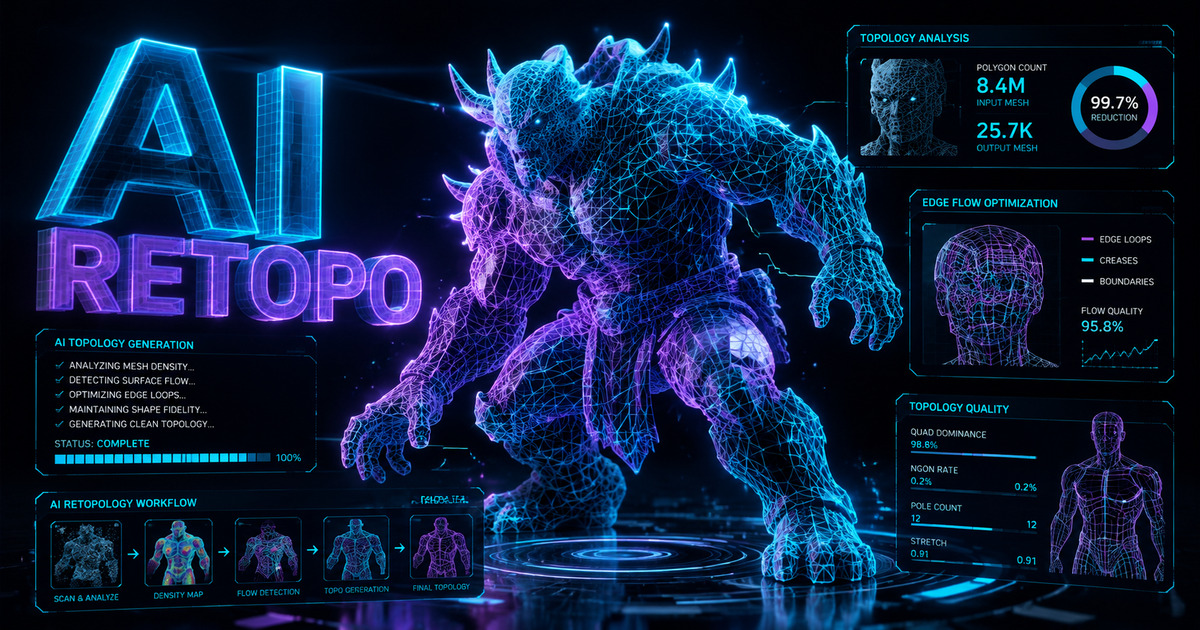
Stop manually tracing edge loops for days. The AI Retopo engine analyzes anatomical flow and decimation thresholds, delivering optimized quad or triangle topology that preserves high-frequency details.
The AI natively predicts anatomical edge flow, so the rebuilt mesh keeps logical loops and deformation-friendly structures in either quad or triangle topology.
Dial in your exact polygon requirements. Remesh supports target face counts from 1,000 to 100,000 for quad output and 10,000 to 100,000 for triangle output, to match any performance budget.
Aggressive decimation usually destroys silhouettes. Our algorithm preserves high-frequency micro-details, ensuring normal maps bake flawlessly onto the rougher base shape.

Decimate ultra-high-poly sculpted furniture pieces into lightweight, AR-ready web assets without losing intricate fabric folds or complex wood grain details.

Reduce millions of polygons from 3D scans into manageable "watertight" meshes that standard slicing software can process instantly without crashing.

Streamline massive CAD assemblies or raw photogrammetry data into optimized, low-VRAM quad or triangle models for rapid structural testing and sharing.

Seamlessly export the retopologized mesh to 6 universal formats (.FBX, .GLB, etc.) for immediate integration into Blender, ZBrush, or Maya.
Open a model from your Neural4D Studio library and choose Remesh from the bottom toolbar. Remesh runs on triangle-topology models, so a model that is already quad topology cannot be remeshed.
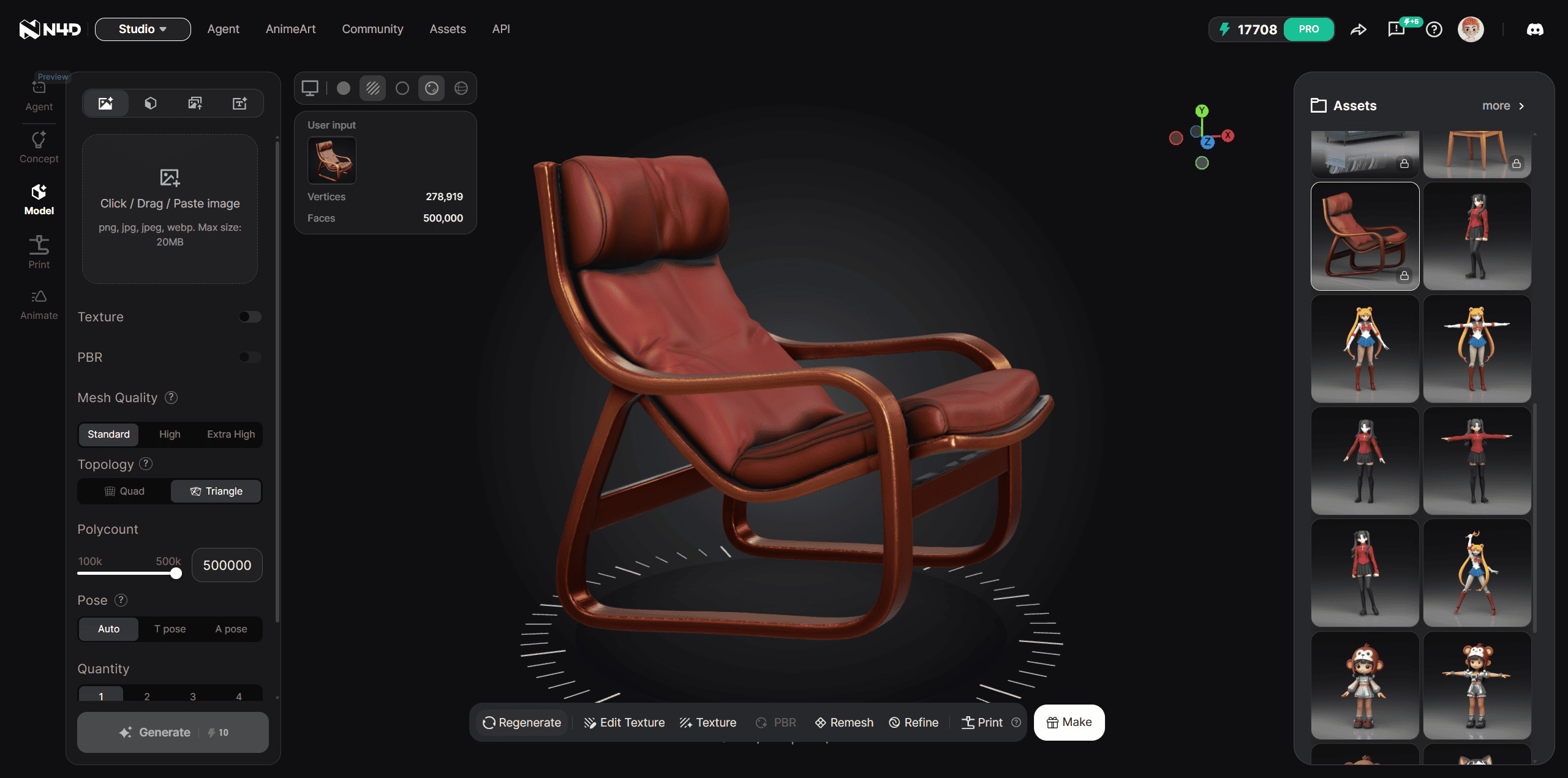
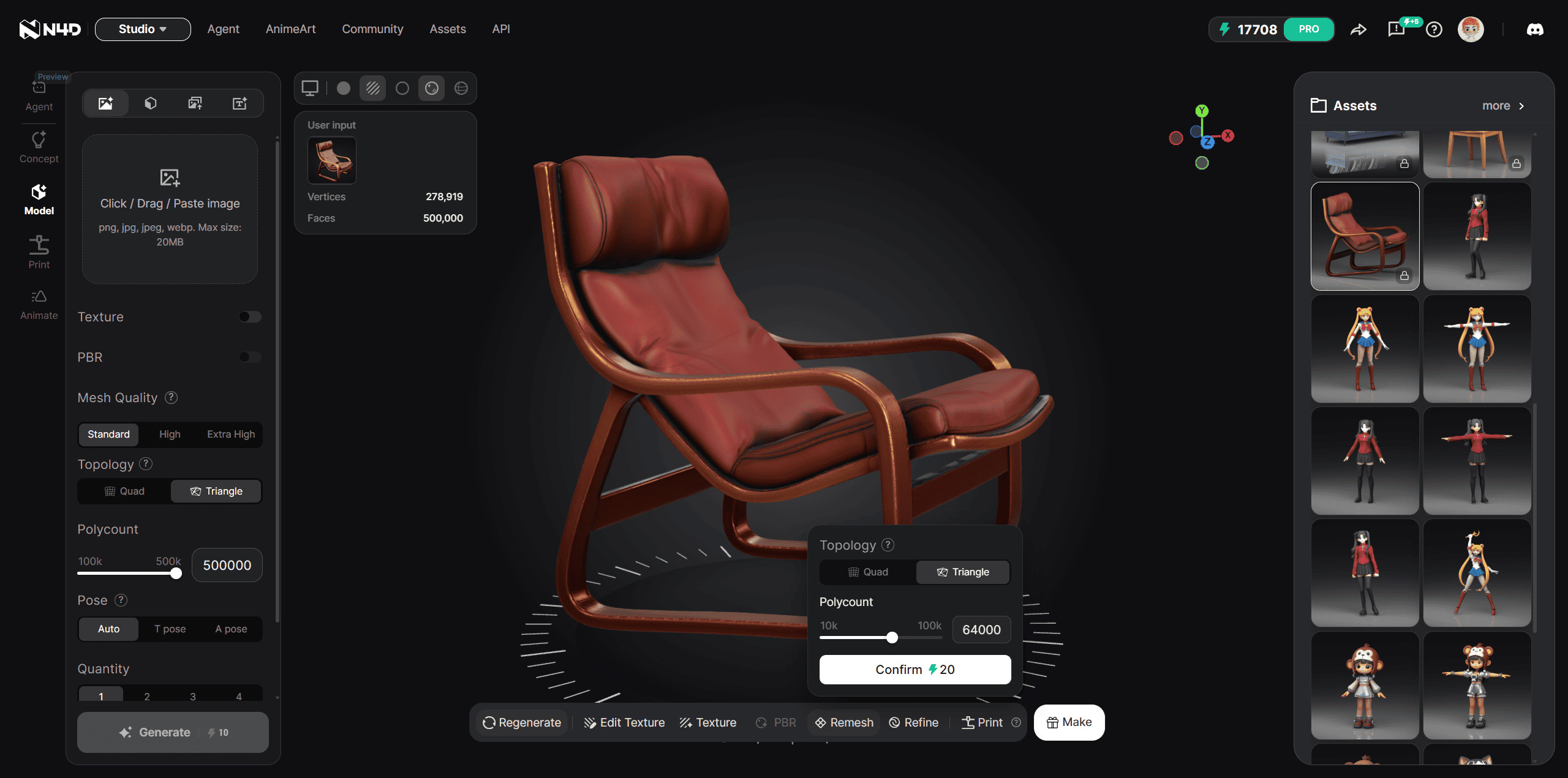
Pick quad or triangle topology and set the target face count: 1,000 to 100,000 for quad, 10,000 to 100,000 for triangle. Click "Remesh" in the bottom toolbar and the engine predicts the anatomical edge flow, rebuilding your mesh in the chosen topology while preserving high-frequency data.
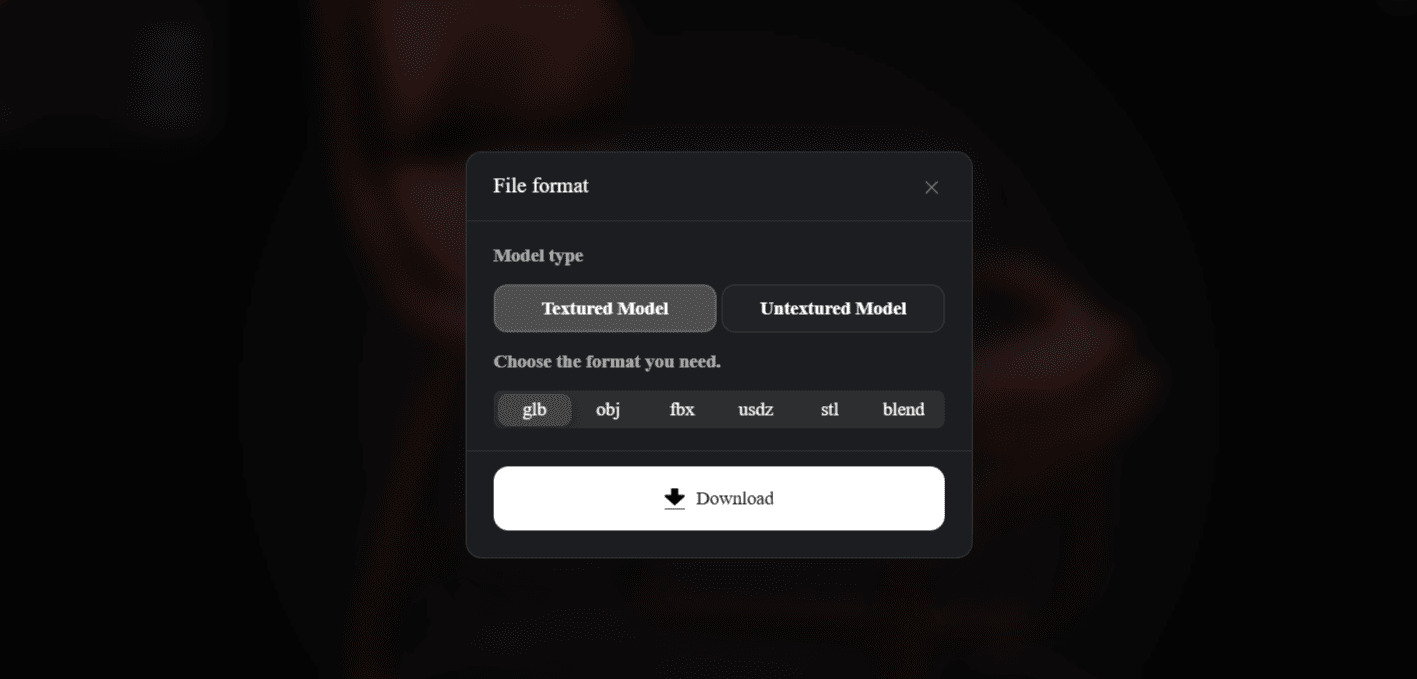
Download your decimated, production-ready model in one of 6 universal formats (.FBX, .GLB, .OBJ, .USDZ, .STL, .BLEND) for immediate use in Maya or ZBrush.

Yes. Before a Remesh job runs you choose the output topology: Quad for editing, rigging, and animation, or Triangle for maximum detail retention. Quad output is quad-dominant.
The overall silhouette may become slightly rougher as you aggressively reduce the polygon count, but our detail preservation algorithm retains high-frequency micro-details, ensuring normal maps bake perfectly.
Remesh supports 1,000 to 100,000 target faces for quad output and 10,000 to 100,000 target faces for triangle output, covering mobile-ready assets through to detailed hero props.
We support six universal export formats: .FBX, .GLB, .OBJ, .USDZ, .STL, and .BLEND, allowing seamless import into Unreal Engine, Unity, Blender, or ZBrush.
No. Remesh is only available for triangle-topology models. If a model in your library is already quad topology, you cannot remesh it.