
Convert 2D Image to 3D Model
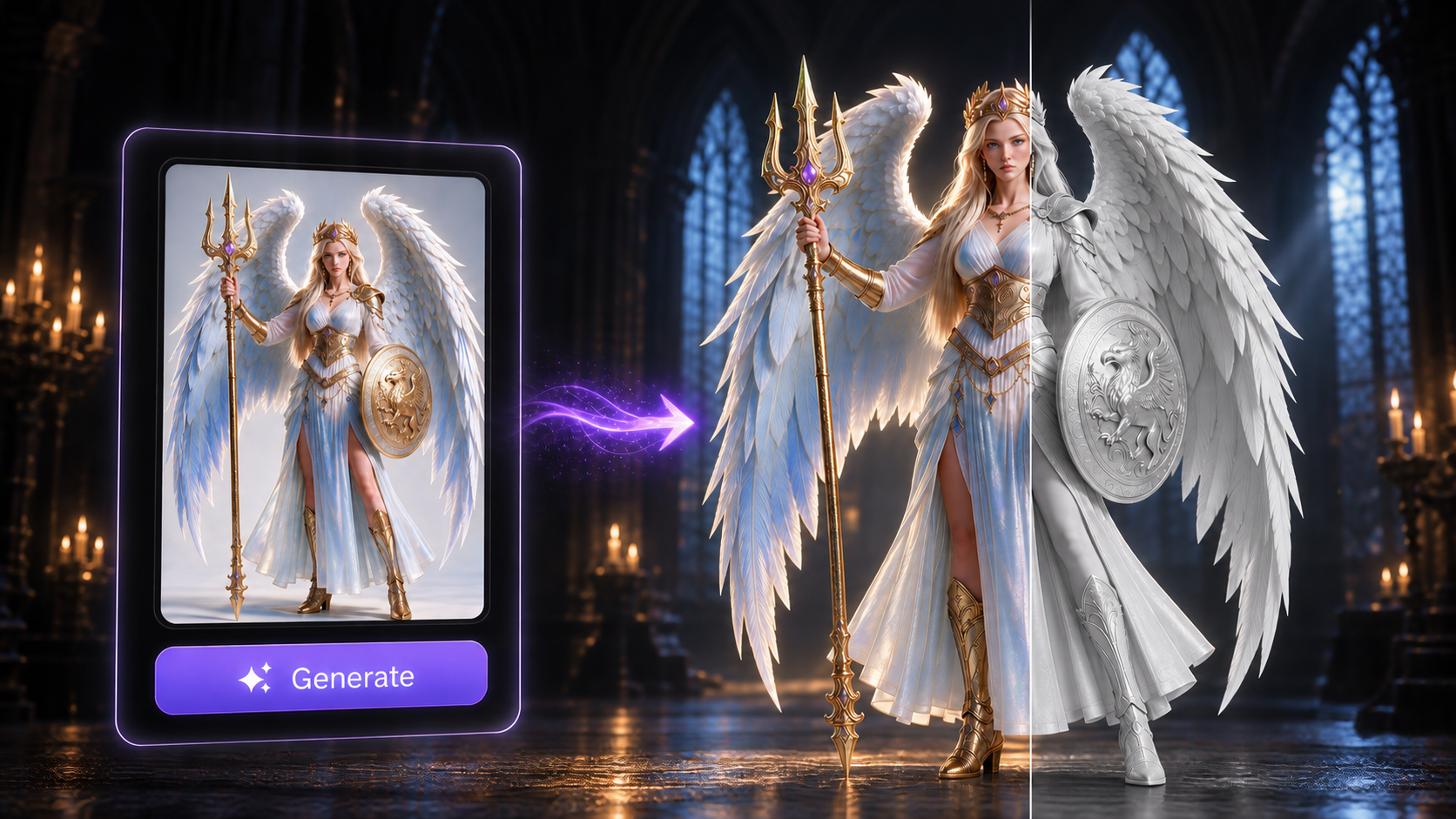
Built for Professional 3D Workflows
Stop wasting hours fixing broken AI geometry. The Direct3D-S2 engine is engineered for production pipelines, delivering structurally sound meshes and native materials that drop directly into your next project.
Intelligent 360° Inference
The Direct3D-S2 engine intelligently infers hidden geometry from a single image. It calculates a logically complete, 360-degree structure with perfect manifold integrity.
Watertight Geometry & Clean Topology
The engine outputs mathematically watertight meshes with clean topology. Exported assets are immediately ready for 3D printing or rigging without manual repair.
Professional PBR Workflows
Move past flat colors with natively synthesized Physically Based Rendering materials. Export accurate Normal, Roughness, and Metallic maps for immediate engine integration.
Seamless Integration for Every Pipeline

Game Development & Animation
Generate base meshes with native PBR textures. Export directly to .fbx or .obj to drop assets into Unity, Unreal Engine, or Blender. Ready for rigging and animation without extensive retopology.

3D Printing & Prototyping
The Direct3D-S2 engine outputs mathematically watertight .stl files. Send generated geometry straight to your slicing software with confidence.

E-commerce & Web AR
Convert product images into interactive 3D assets. Export lightweight .glb or .usdz formats optimized for real-time web viewers and iOS AR environments, maintaining detail while keeping load times minimal.

Character Design & Concept Art
Transform 2D character concepts into fully realized 3D models. Perfect for game characters, animation projects, and digital art portfolios with production-ready topology.
How to Convert 2D Image to 3D Model with Neural4D
Upload/drag a high-contrast 2D photo or sketch into our Image to 3D studio.
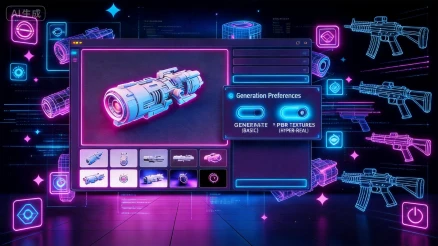
You can choose whether or not to enable "Generate Textures" and "Generate PBR Textures".
Click "Generate". The Direct3D-S2 engine will process the volumetric data and render your complete 3D asset. If you need a different variation of details, use the "Regenerate" function to get a new model.
Click the generated model. With a paid subscription, you can choose a format (.glb, .obj, .fbx, .usdz, .stl, .blend) in the lower left to download it. You can also select “Customize” to order a physical product.
FAQ

The Direct3D-S2 engine processes the full volumetric data rather than just estimating surface depth. This allows it to generate logically complete geometry and structurally accurate meshes, ensuring a production-ready 2D to 3D conversion.