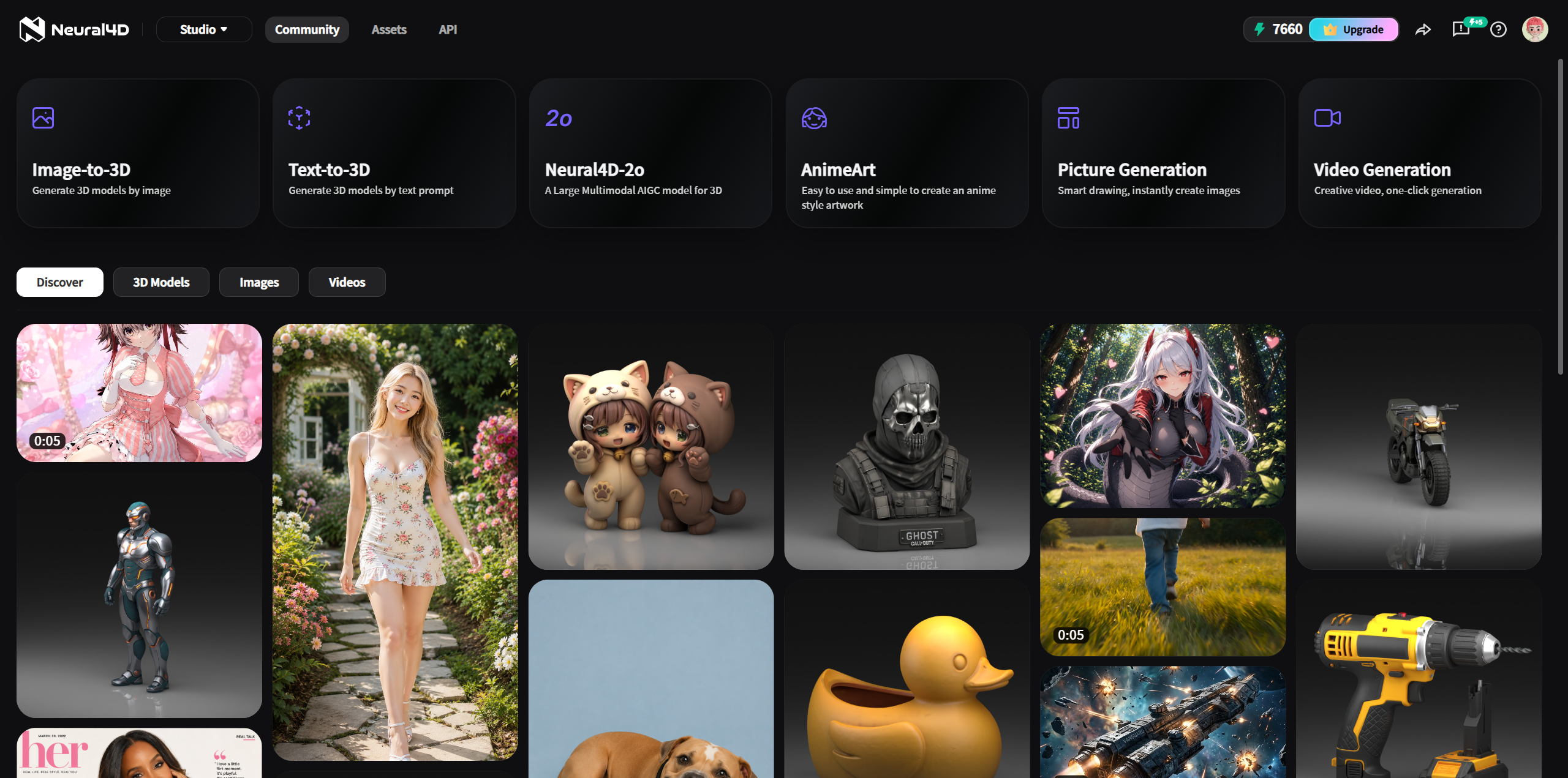
Neural4D-2o is a conversational 3D generation tool. You can start with a text prompt or a reference image, generate a model, and then request changes in the same chat session.
Editing boundary: Neural4D-2o can edit only a model generated in the current Neural4D-2o session. It cannot edit a regular Text to 3D or Image to 3D result, a Community model, an uploaded external model, or a model from another session.
Use either text or an image to create the first model in your conversation.
| Input | How to use it | Example |
|---|---|---|
| Text | Describe one object and include its shape, proportions, material, and important parts. | "A compact desk lamp with a round base, a curved arm, and a matte black finish." |
| Image | Insert a clear reference image and add a short instruction that identifies the object and the result you want. | "Create a 3D model that matches this lamp reference." |
Click Send. Keep the conversation open after the model appears, because later edits depend on the current session context.
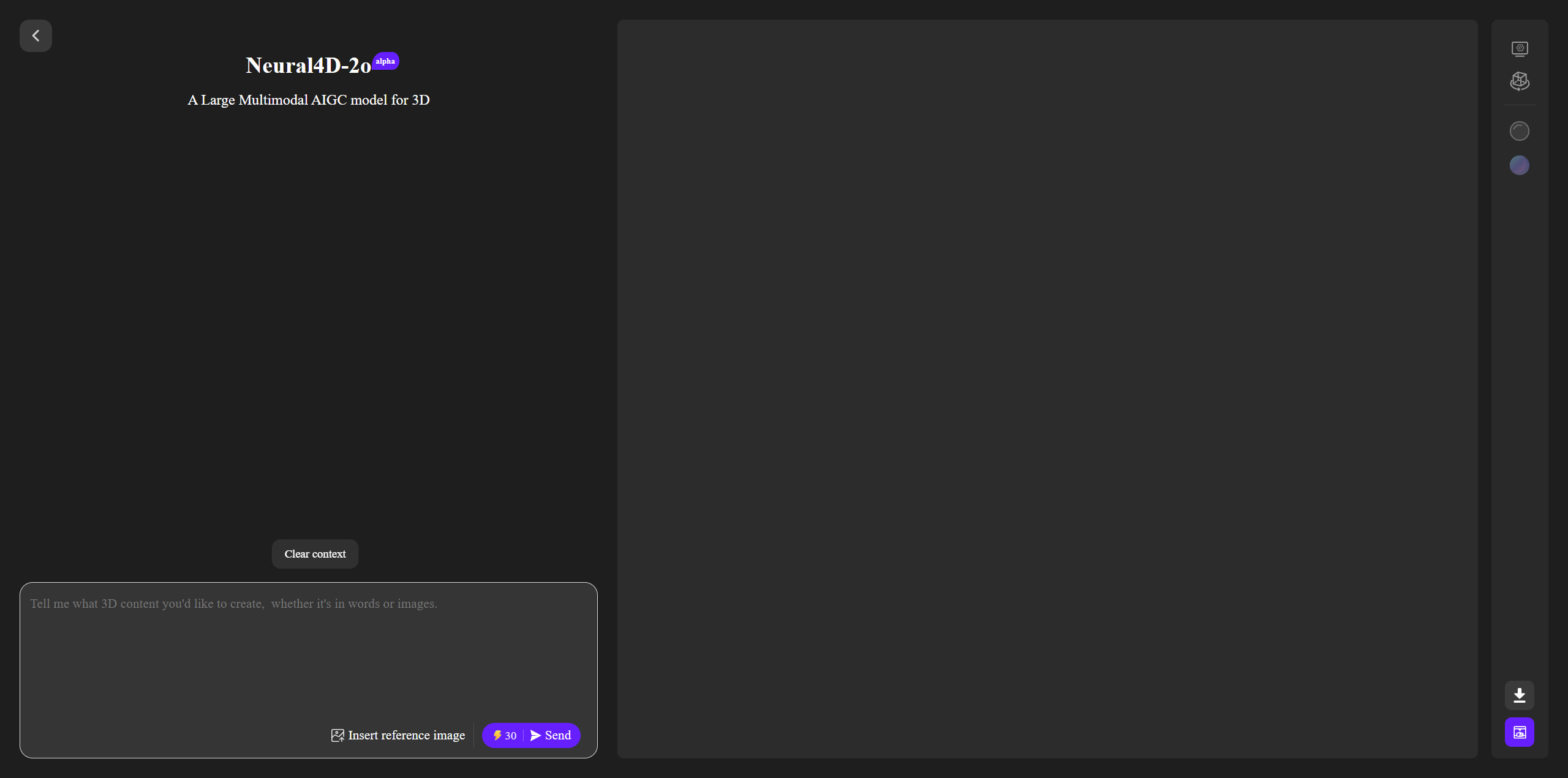
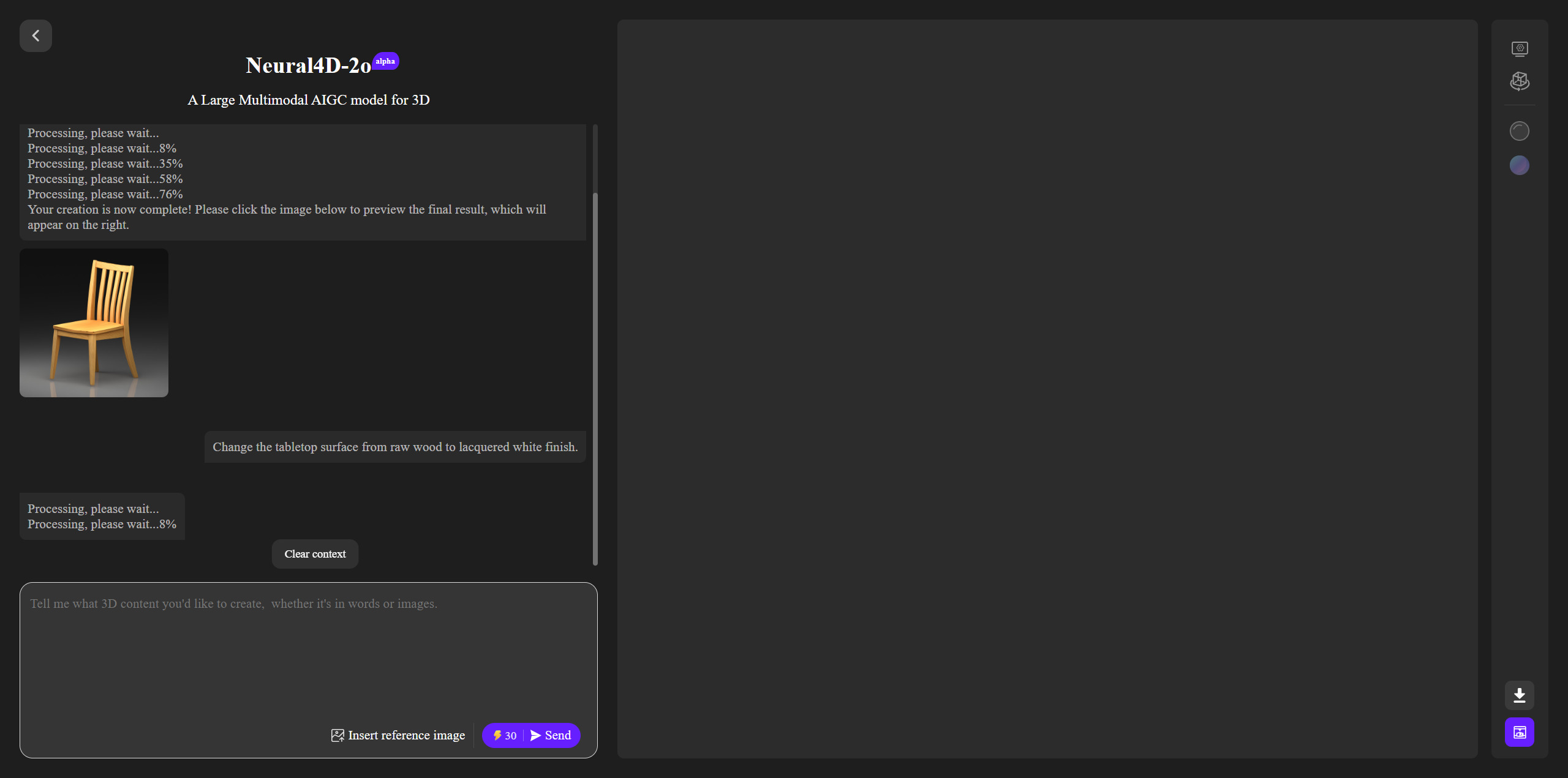
Describe one change at a time. Name the part you want to change, the action, and the desired result. Keeping each request focused makes it easier to judge the new version.
| Goal | Example prompt |
|---|---|
| Change proportions | "Make the lampshade 20% wider while keeping the base unchanged." |
| Add a part | "Add a small switch to the right side of the base." |
| Change appearance | "Change the main finish to brushed silver and keep the cable black." |
Each submitted edit costs 30 Credits. If a submitted task fails because of a server-side error, the Credits are returned automatically.
| Model source | Can Neural4D-2o edit it? |
|---|---|
| Generated in the current Neural4D-2o session | Yes |
| Regular Text to 3D result | No |
| Regular Image to 3D result | No |
| Community model | No |
| External model uploaded by the user | No |
| Model from another session | No |
If you need a different starting asset, begin a new Neural4D-2o session and generate the model there. A regular Text to 3D or Image to 3D asset cannot be transferred into Neural4D-2o for editing.
Use Clear context when you want to stop working on the current object and begin an unrelated model. The next prompts will belong to a new session context, so generate the new base model before requesting edits.
Rotate and zoom around the model to check the silhouette, proportions, separate parts, and surface appearance. If something needs revision, send a focused edit prompt while you are still in the same session.
When the result is ready, click the Download icon. For help choosing an export type, see What 3D File Formats Does Neural4D Support?
Can I edit a model made with Image to 3D or Text to 3D?
No. Neural4D-2o
edits only models generated in the current Neural4D-2o session.
Can I upload an OBJ, FBX, or GLB file and edit it?
No. External uploaded
models are not supported for Neural4D-2o editing.
How much does an edit cost?
Each submitted Neural4D-2o edit costs 30
Credits.

'%3e%3cg%3e%3cpath%20d='M14.22126,2L16.980341,2L10.922359,8.365314L18,17.000000999999997L12.44585,17.000000999999997L8.0973005,11.7527676L3.1189604,17.000000999999997L0.35988006,17.000000999999997L6.7777414,10.1918821L0,2L5.6921029,2L9.6207924,6.7933583L14.22126,2ZM13.255582,15.505536L14.785071,15.505536L4.88837,3.4391145L3.2449181,3.4391145L13.255582,15.505536Z'%20fill='%23ffffff'%20fill-opacity='1'%20style='mix-blend-mode:passthrough'/%3e%3c/g%3e%3c/g%3e%3c/svg%3e)
'%3e%3cg%3e%3cg%3e%3cpath%20d='M17.776579953674315,4.238972914697266C18.530987953674316,2.8357112146972656,17.668764953674316,1.0000038146972656,17.668764953674316,1.0000038146972656C15.728984953674317,1.0000038146972656,14.327326953674316,2.2953194146972655,14.327326953674316,2.2953194146972655C13.572919953674317,1.8635447646972656,11.093512553674316,1.8635447646972656,11.093512553674316,1.8635447646972656C11.093512553674316,1.8635447646972656,8.614197253674316,1.8635447646972656,7.859790753674316,2.2953194146972655C7.859790753674316,2.2953194146972655,6.4587898536743165,1.0000038146972656,4.518257353674317,1.0000038146972656C4.518257353674317,1.0000038146972656,3.6561312536743165,2.8350313146972654,4.410538953674316,4.238972914697266C4.410538953674316,4.238972914697266,2.6862124236743163,5.858135714697266,3.332825653674316,9.312969214697265C3.9408041536743164,12.559363814697265,6.782133553674316,13.415479814697266,8.614197253674316,13.415479814697266C8.614197253674316,13.415479814697266,7.859790753674316,14.063154814697265,7.967603653674316,15.142524814697266C7.967603653674316,15.142524814697266,6.889853453674316,15.790198814697266,5.812196053674317,15.358415814697265C4.734538553674316,14.926723814697265,4.1956536536743165,13.847263814697266,4.1956536536743165,13.847263814697266C4.1956536536743165,13.847263814697266,3.1179590536743165,12.443964814697265,2.0402743556743164,12.983694814697266C2.0402743556743164,12.983694814697266,1.7169677936743164,13.307532814697266,2.9024282136743165,13.847263814697266C2.9024282136743165,13.847263814697266,3.7645722536743165,15.142524814697266,4.087878753674316,15.898144814697266C4.411195253674316,16.653767814697268,6.135446553674316,17.301444814697266,7.860446953674316,16.869661814697267L7.860446953674316,19.352327814697265C7.860446953674316,19.352327814697265,7.860446953674316,19.568219814697265,7.4293847536743165,19.676166814697265C6.998322453674317,19.784110814697264,6.998322453674317,20.000003814697266,7.213853853674316,20.000003814697266L14.974576953674317,20.000003814697266C15.190109953674316,20.000003814697266,15.190109953674316,19.784110814697264,14.759046953674316,19.676166814697265C14.327983953674316,19.568219814697265,14.327983953674316,19.352327814697265,14.327983953674316,19.352327814697265L14.327983953674316,16.869661814697267C14.327983953674316,16.869661814697267,14.337451953674316,15.575053814697265,14.327983953674316,15.142524814697266C14.304263953674317,14.057753814697266,13.573576953674316,13.415479814697266,13.573576953674316,13.415479814697266C15.405640953674316,13.415479814697266,18.246925953674317,12.559363814697265,18.854893953674317,9.312969214697265C19.501579953674316,5.858135714697266,17.777234953674316,4.238972914697266,17.776579953674315,4.238972914697266L17.776579953674315,4.238972914697266Z'%20fill='%23ffffff'%20fill-opacity='1'%20style='mix-blend-mode:passthrough'/%3e%3c/g%3e%3c/g%3e%3c/g%3e%3c/svg%3e)