

Neural4D-2o is the first true Conversational 3D Engine. Stop rolling the dice with random text-to-3D prompts. Generate, edit, and refine production-ready 3D meshes iteratively through natural language dialogue.
Why conversational? Traditional AI 3D generators give you a single shot. If the sword is too short, you have to start over. Neural4D-2o remembers your context and allows you to iteratively modify the 3D geometry and materials just by chatting.
Chat with the engine to modify specific parts of your model. Ask to "make the sword longer" or "change the armor to sci-fi style" without losing your base mesh.

Neural4D-2o remembers your previous prompts. It understands the history of your design, allowing for complex, multi-step 3D modeling workflows.

Neural4D-2o understands both text instructions and visual references simultaneously. Upload a sketch and use conversation to fine-tune the resulting 3D geometry seamlessly.

Game developers can tweak asset proportions interactively. Tell Neural4D-2o to "scale down the character's shoulders by 10%" and get immediate tri-mesh updates.

If a generated model has a thin part that will break during 3D printing, simply chat: "thicken the base to ensure it's printable" and receive a fixed STL file.

Change textures on the fly. You can type "make the wooden texture look more weathered and metallic" and Neural4D-2o will swap out the PBR maps seamlessly.

Product designers can brainstorm in 3D. Start with a basic shape and iteratively chat your way to a highly detailed, complex polygonal structure.
Start the conversation with a simple text prompt or image upload. Neural4D-2o will instantly generate a high-quality triangular mesh as your starting point.
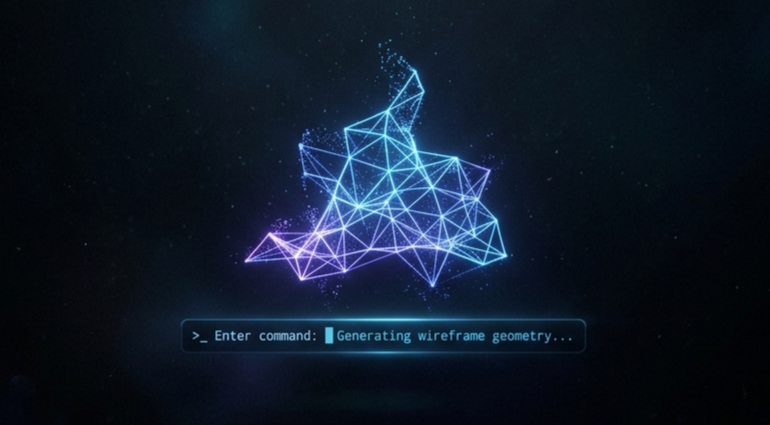

Don't start over if it's not perfect. Type instructions into the chat like "add spikes to the armor" or "make it red". The AI understands your intent and modifies the existing mesh.
Once the conversation has led to the perfect model, export your watertight triangular mesh directly to .FBX, .GLB, or .STL for immediate use in Unreal, Unity, or your slicer.
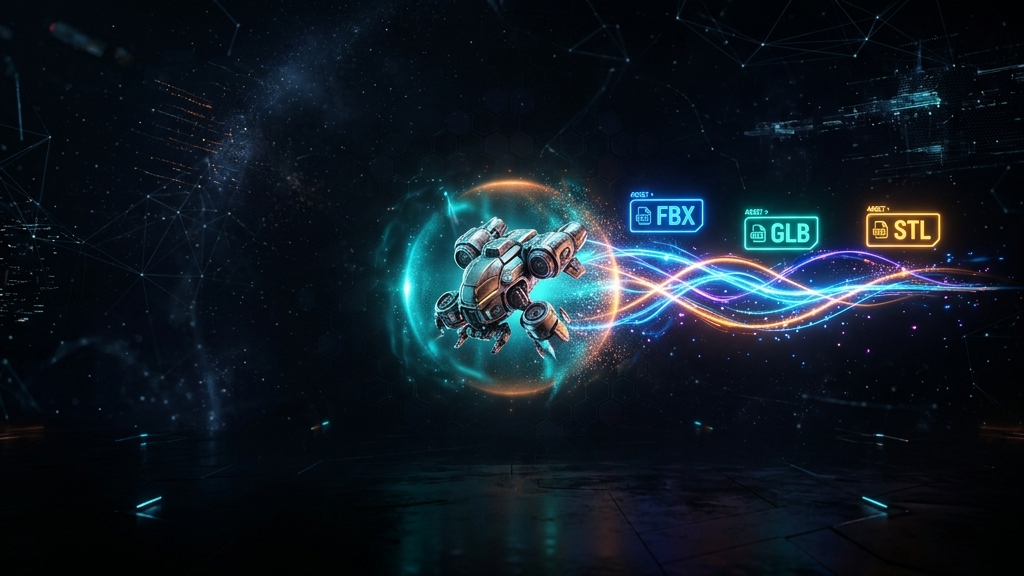

Conversational 3D Generation is a new AI workflow where you use a chat interface to iteratively build and modify a 3D model. Instead of relying on a single text prompt, you converse with the AI engine to refine shapes, colors, and geometry step-by-step.
Neural4D-2o generates highly optimized triangular meshes (tri-faces). These watertight tri-meshes are perfect for 3D printing and are natively supported by all major game engines like Unity and Unreal Engine 5.
Yes. Neural4D-2o features contextual awareness. If you tell it to "change the color to blue" and then "make the handle longer", it will execute both edits without forgetting the context of your previous chat messages.
The conversational state management is currently available through our Studio interface. API support for conversational sessions will be available in the upcoming v2.0 endpoint release.

'%3e%3cg%3e%3cpath%20d='M14.22126,2L16.980341,2L10.922359,8.365314L18,17.000000999999997L12.44585,17.000000999999997L8.0973005,11.7527676L3.1189604,17.000000999999997L0.35988006,17.000000999999997L6.7777414,10.1918821L0,2L5.6921029,2L9.6207924,6.7933583L14.22126,2ZM13.255582,15.505536L14.785071,15.505536L4.88837,3.4391145L3.2449181,3.4391145L13.255582,15.505536Z'%20fill='%23ffffff'%20fill-opacity='1'%20style='mix-blend-mode:passthrough'/%3e%3c/g%3e%3c/g%3e%3c/svg%3e)
'%3e%3cg%3e%3cg%3e%3cpath%20d='M17.776579953674315,4.238972914697266C18.530987953674316,2.8357112146972656,17.668764953674316,1.0000038146972656,17.668764953674316,1.0000038146972656C15.728984953674317,1.0000038146972656,14.327326953674316,2.2953194146972655,14.327326953674316,2.2953194146972655C13.572919953674317,1.8635447646972656,11.093512553674316,1.8635447646972656,11.093512553674316,1.8635447646972656C11.093512553674316,1.8635447646972656,8.614197253674316,1.8635447646972656,7.859790753674316,2.2953194146972655C7.859790753674316,2.2953194146972655,6.4587898536743165,1.0000038146972656,4.518257353674317,1.0000038146972656C4.518257353674317,1.0000038146972656,3.6561312536743165,2.8350313146972654,4.410538953674316,4.238972914697266C4.410538953674316,4.238972914697266,2.6862124236743163,5.858135714697266,3.332825653674316,9.312969214697265C3.9408041536743164,12.559363814697265,6.782133553674316,13.415479814697266,8.614197253674316,13.415479814697266C8.614197253674316,13.415479814697266,7.859790753674316,14.063154814697265,7.967603653674316,15.142524814697266C7.967603653674316,15.142524814697266,6.889853453674316,15.790198814697266,5.812196053674317,15.358415814697265C4.734538553674316,14.926723814697265,4.1956536536743165,13.847263814697266,4.1956536536743165,13.847263814697266C4.1956536536743165,13.847263814697266,3.1179590536743165,12.443964814697265,2.0402743556743164,12.983694814697266C2.0402743556743164,12.983694814697266,1.7169677936743164,13.307532814697266,2.9024282136743165,13.847263814697266C2.9024282136743165,13.847263814697266,3.7645722536743165,15.142524814697266,4.087878753674316,15.898144814697266C4.411195253674316,16.653767814697268,6.135446553674316,17.301444814697266,7.860446953674316,16.869661814697267L7.860446953674316,19.352327814697265C7.860446953674316,19.352327814697265,7.860446953674316,19.568219814697265,7.4293847536743165,19.676166814697265C6.998322453674317,19.784110814697264,6.998322453674317,20.000003814697266,7.213853853674316,20.000003814697266L14.974576953674317,20.000003814697266C15.190109953674316,20.000003814697266,15.190109953674316,19.784110814697264,14.759046953674316,19.676166814697265C14.327983953674316,19.568219814697265,14.327983953674316,19.352327814697265,14.327983953674316,19.352327814697265L14.327983953674316,16.869661814697267C14.327983953674316,16.869661814697267,14.337451953674316,15.575053814697265,14.327983953674316,15.142524814697266C14.304263953674317,14.057753814697266,13.573576953674316,13.415479814697266,13.573576953674316,13.415479814697266C15.405640953674316,13.415479814697266,18.246925953674317,12.559363814697265,18.854893953674317,9.312969214697265C19.501579953674316,5.858135714697266,17.777234953674316,4.238972914697266,17.776579953674315,4.238972914697266L17.776579953674315,4.238972914697266Z'%20fill='%23ffffff'%20fill-opacity='1'%20style='mix-blend-mode:passthrough'/%3e%3c/g%3e%3c/g%3e%3c/g%3e%3c/svg%3e)


