

Compare Top AI Video Generators
A technical comparison between two leading AI video models. Evaluate native 30-second 4K generation, multi-modal control, and precision editing to discover which engine is best for your cinematic production.
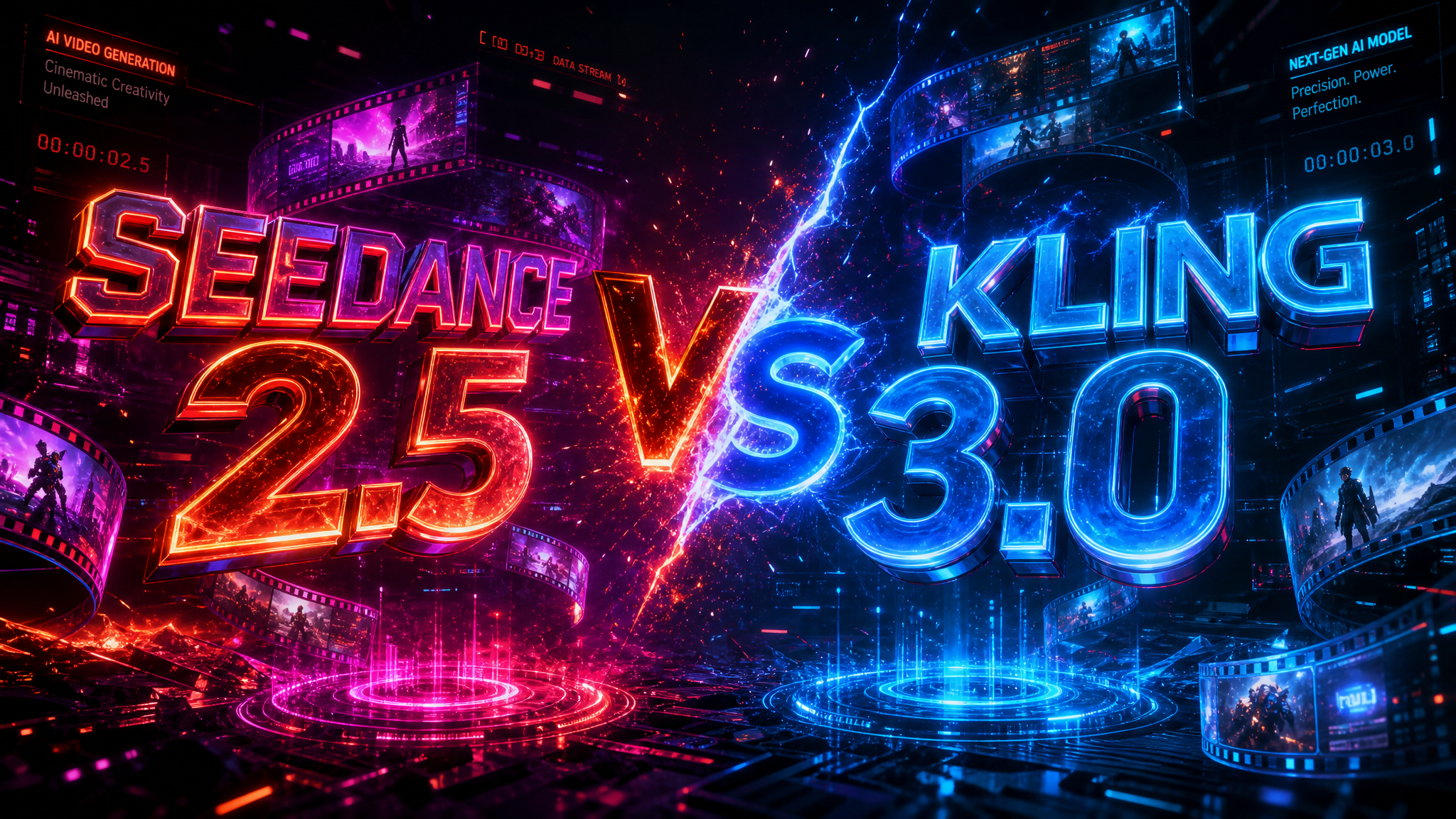
A side-by-side breakdown of the core technical metrics that matter most to professional video creators.
| Technical Metric | Seedance 2.5 (Neural4D) | Kling 3.0 |
|---|---|---|
| Max Duration (One-Pass) | 30 Seconds Native | 10 Seconds (requires extension) |
| Multi-Modal Input Capacity | Up to 50 Reference Assets (Images, 3D Blockouts, Audio) | Text & Single Image Reference |
| Error Correction & Editing | Region-Level Inpainting (Draw bounding box to fix) | Full regeneration required |
| Audio Integration | Native Audio Sync (SFX & Ambient) | Visual only (requires third-party sound design) |
How these models perform under high-demand production scenarios.
Why professional studios are switching to Seedance 2.5 to save computational credits and engineering hours.

Seedance 2.5 is a professional AI video generation engine developed by Neural4D. It works by integrating up to 50 multi-modal inputs (text, images, 3D meshes, and audio) into a single 30-second native generation pass. This ensures unparalleled temporal consistency, spatial accuracy, and cinematic lighting without the need for manual video stitching.
Extending a video often causes object mutation, lighting shifts, and degradation in prompt adherence over time. Native 30-second generation plans the entire sequence at once, maintaining a cohesive narrative, character appearance, and environmental stability from the first frame to the last.
Instead of regenerating the entire video when a small error occurs, Seedance 2.5 allows you to draw a bounding box around the specific mistake (such as a misspelled sign or weird finger). The AI then only re-renders that localized area, saving computational credits and preserving the rest of your perfect shot.
Currently, Kling 3.0 relies primarily on text and image references. Seedance 2.5 is unique in its ability to ingest actual 3D blockout meshes, which forces the generated video to adhere strictly to your intended spatial layout and camera positioning.
Seedance 2.5 features native audio synchronization, generating ambient soundscapes and foley effects that match the physical actions in the video. Kling 3.0 focuses entirely on visual generation, requiring creators to use separate tools for sound design.

'%3e%3cg%3e%3cpath%20d='M14.22126,2L16.980341,2L10.922359,8.365314L18,17.000000999999997L12.44585,17.000000999999997L8.0973005,11.7527676L3.1189604,17.000000999999997L0.35988006,17.000000999999997L6.7777414,10.1918821L0,2L5.6921029,2L9.6207924,6.7933583L14.22126,2ZM13.255582,15.505536L14.785071,15.505536L4.88837,3.4391145L3.2449181,3.4391145L13.255582,15.505536Z'%20fill='%23ffffff'%20fill-opacity='1'%20style='mix-blend-mode:passthrough'/%3e%3c/g%3e%3c/g%3e%3c/svg%3e)
'%3e%3cg%3e%3cg%3e%3cpath%20d='M17.776579953674315,4.238972914697266C18.530987953674316,2.8357112146972656,17.668764953674316,1.0000038146972656,17.668764953674316,1.0000038146972656C15.728984953674317,1.0000038146972656,14.327326953674316,2.2953194146972655,14.327326953674316,2.2953194146972655C13.572919953674317,1.8635447646972656,11.093512553674316,1.8635447646972656,11.093512553674316,1.8635447646972656C11.093512553674316,1.8635447646972656,8.614197253674316,1.8635447646972656,7.859790753674316,2.2953194146972655C7.859790753674316,2.2953194146972655,6.4587898536743165,1.0000038146972656,4.518257353674317,1.0000038146972656C4.518257353674317,1.0000038146972656,3.6561312536743165,2.8350313146972654,4.410538953674316,4.238972914697266C4.410538953674316,4.238972914697266,2.6862124236743163,5.858135714697266,3.332825653674316,9.312969214697265C3.9408041536743164,12.559363814697265,6.782133553674316,13.415479814697266,8.614197253674316,13.415479814697266C8.614197253674316,13.415479814697266,7.859790753674316,14.063154814697265,7.967603653674316,15.142524814697266C7.967603653674316,15.142524814697266,6.889853453674316,15.790198814697266,5.812196053674317,15.358415814697265C4.734538553674316,14.926723814697265,4.1956536536743165,13.847263814697266,4.1956536536743165,13.847263814697266C4.1956536536743165,13.847263814697266,3.1179590536743165,12.443964814697265,2.0402743556743164,12.983694814697266C2.0402743556743164,12.983694814697266,1.7169677936743164,13.307532814697266,2.9024282136743165,13.847263814697266C2.9024282136743165,13.847263814697266,3.7645722536743165,15.142524814697266,4.087878753674316,15.898144814697266C4.411195253674316,16.653767814697268,6.135446553674316,17.301444814697266,7.860446953674316,16.869661814697267L7.860446953674316,19.352327814697265C7.860446953674316,19.352327814697265,7.860446953674316,19.568219814697265,7.4293847536743165,19.676166814697265C6.998322453674317,19.784110814697264,6.998322453674317,20.000003814697266,7.213853853674316,20.000003814697266L14.974576953674317,20.000003814697266C15.190109953674316,20.000003814697266,15.190109953674316,19.784110814697264,14.759046953674316,19.676166814697265C14.327983953674316,19.568219814697265,14.327983953674316,19.352327814697265,14.327983953674316,19.352327814697265L14.327983953674316,16.869661814697267C14.327983953674316,16.869661814697267,14.337451953674316,15.575053814697265,14.327983953674316,15.142524814697266C14.304263953674317,14.057753814697266,13.573576953674316,13.415479814697266,13.573576953674316,13.415479814697266C15.405640953674316,13.415479814697266,18.246925953674317,12.559363814697265,18.854893953674317,9.312969214697265C19.501579953674316,5.858135714697266,17.777234953674316,4.238972914697266,17.776579953674315,4.238972914697266L17.776579953674315,4.238972914697266Z'%20fill='%23ffffff'%20fill-opacity='1'%20style='mix-blend-mode:passthrough'/%3e%3c/g%3e%3c/g%3e%3c/g%3e%3c/svg%3e)


