

Convert standard JPG and PNG images into animation-ready FBX models in 90 Seconds.
Neural4D's Image to FBX converter transforms 2D concept art and product photos into fully rigged, game-ready 3D assets. Powered by the Direct3D-S2 volumetric engine, every generated FBX file features a watertight triangular mesh and natively embedded 4K PBR textures, ready for immediate import into Unity, Unreal Engine, Maya, and Blender.
What makes our FBX generation superior? Neural4D does not rely on disjointed point clouds. Our spatial inference engine builds dense, watertight triangular topologies mapped perfectly to standardized PBR materials, drastically reducing the manual retopology workload for technical artists.
Every generated model features a high-density triangular mesh. The output is 100% watertight, completely preventing backface culling and reversed normals inside your game engine viewport.

The FBX exporter natively bundles Albedo, Normal, Metallic, and Roughness maps. Simply drag and drop the file into your Unity Project window and the materials will link automatically.

Our geometries are computed with strict spatial integrity. The solid volume allows for clean automatic weight painting and rigging in Maya or Blender without vertex intersection errors.
Drop your JPG or PNG file into the studio interface. For the best results, use a conceptual sketch, a clean product photo, or character art with a clear background.
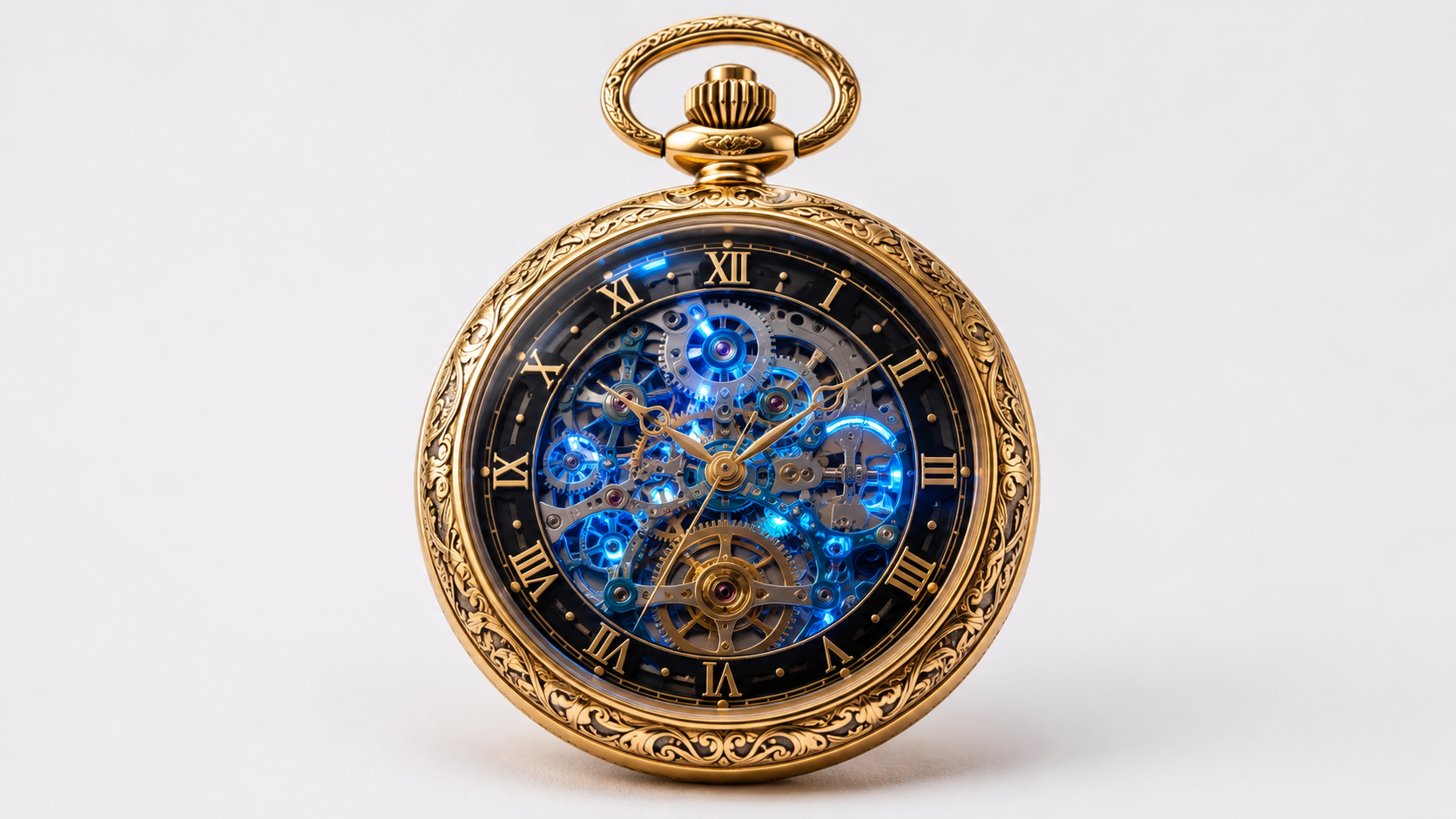
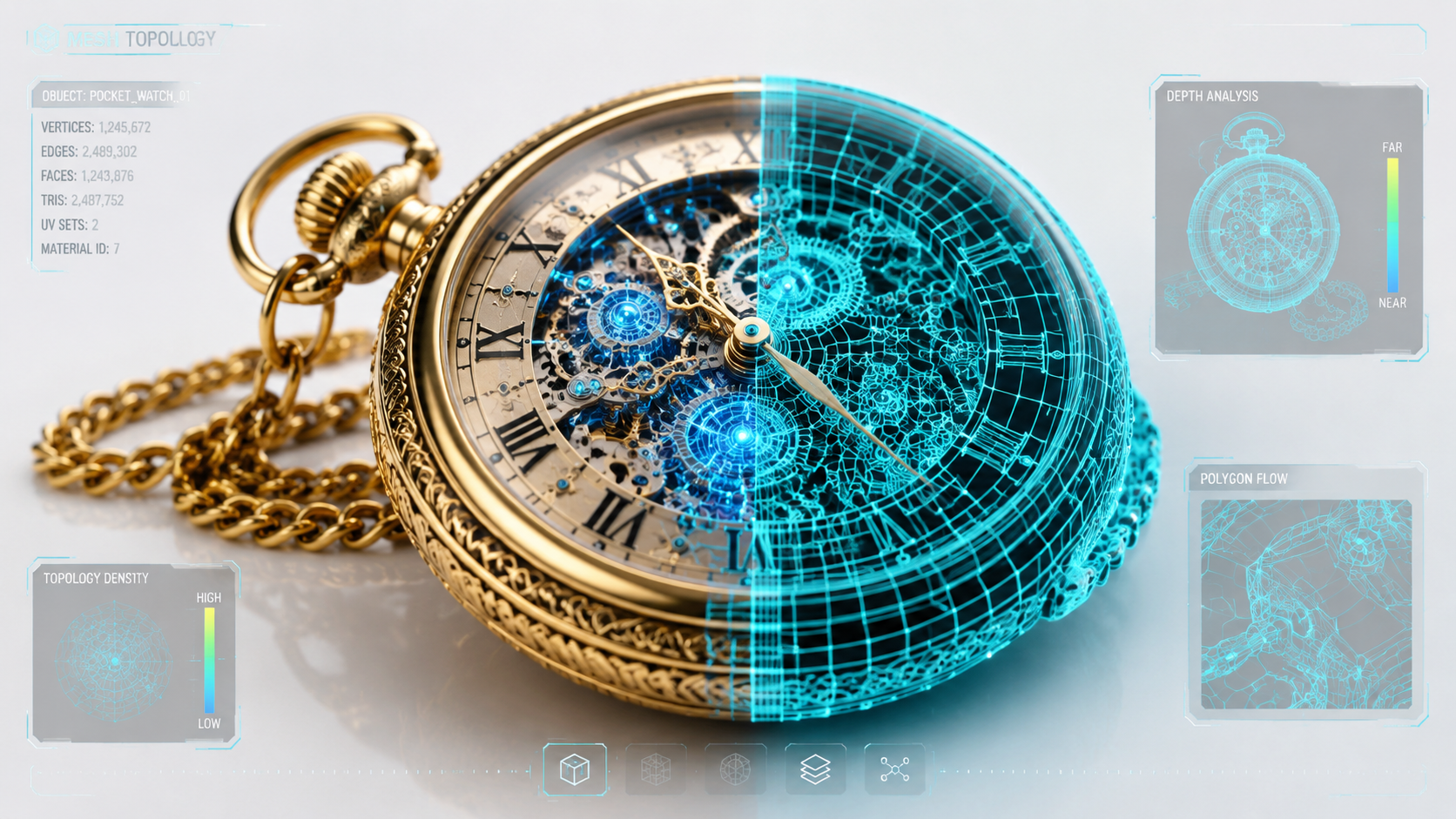
The AI engine actively performs spatial attention processing. It converts the flat pixel data into a 3D wireframe mesh topology while predicting accurate depth and structural curvature.
Select FBX from the export dropdown and download your completed 3D asset. The file contains 100% watertight geometry alongside baked 4K PBR textures.
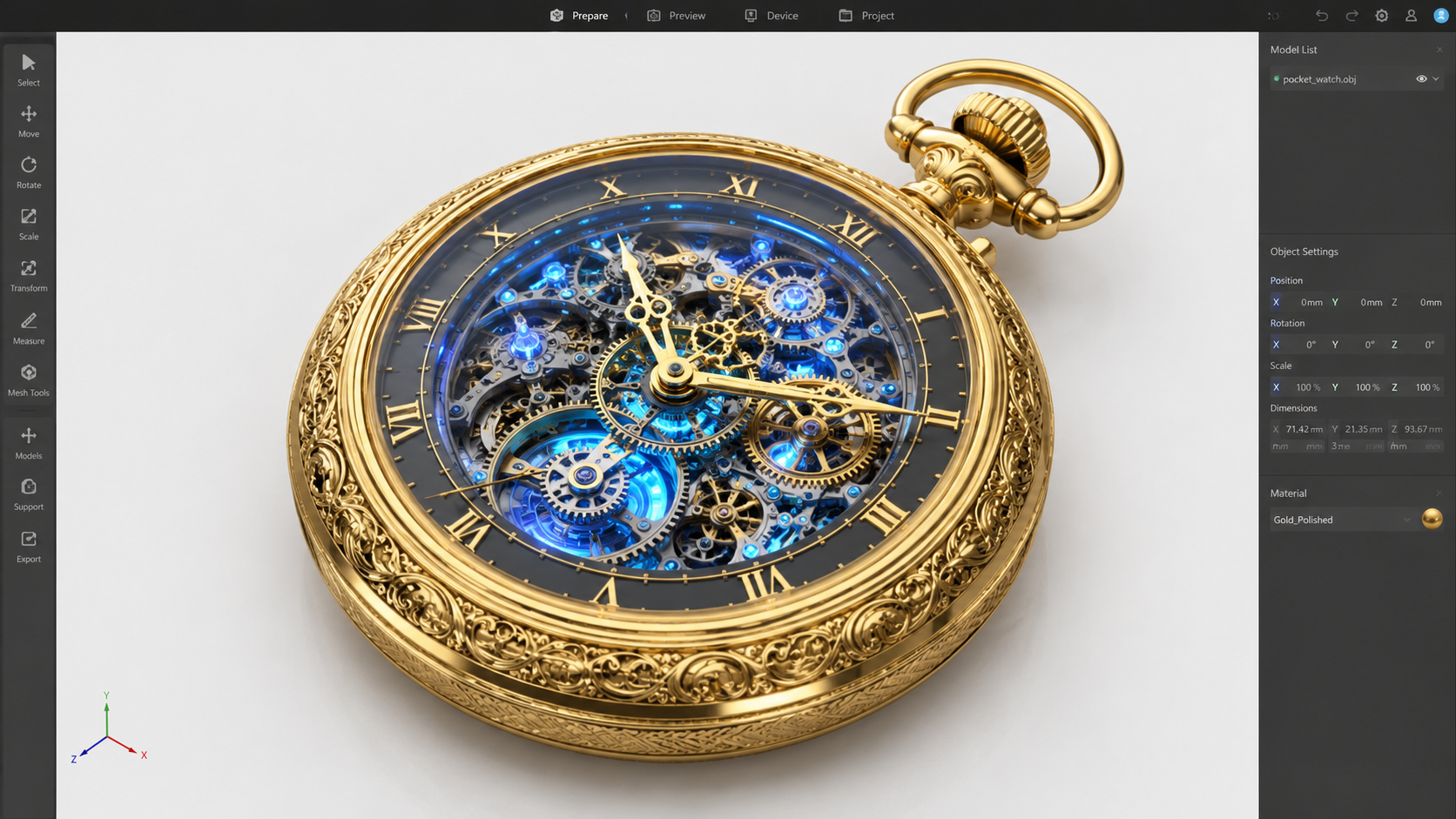
The FBX format is the universal standard for 3D data exchange, powering professional pipelines across interactive entertainment and industrial design.

Convert concept furniture sketches into precise FBX meshes. Technical artists can rapidly texture and organize living space assets for both architectural visualization and physical prototyping.

Quickly populate spatial computing environments. Transform concept art into volumetric scene props instantly to build immersive spatial applications on Vision Pro and Meta Quest devices.

Accelerate your level design pipeline. Import finalized FBX objects directly into Unity or Godot, complete with pre-baked PBR materials, drastically reducing manual modeling time.

Bridge the gap between 2D storyboards and 3D scenes. Import Neural4D FBX files into Maya or Blender as highly accurate blockouts, ready for immediate skeletal rigging and weight painting.

Image to FBX is an AI workflow in Neural4D Studio that translates standard 2D photographs into fully 3D, watertight FBX files. It utilizes the Direct3D-S2 engine to predict depth, generate triangular geometry, and bake native PBR materials into the industry-standard Autodesk Filmbox format.
Neural4D accepts high-resolution JPG and PNG files. We highly recommend using images with a clean, solid color background and clear lighting to allow the engine to perfectly isolate the subject prior to volumetric generation.
Yes. The FBX export automatically embeds 4K PBR texture maps (Albedo, Normal, Roughness, and Metallic). This ensures the material properties look physically accurate when imported into modern game engines.
Absolutely. The FBX format was specifically chosen for its universal compatibility with Unity, Unreal Engine, and Godot. Because the meshes are generated as watertight manifolds, you will not experience backface culling or invisible polygon issues.
Yes. The dense triangular topology and enclosed spatial volume make the output highly suitable for automatic or manual weight painting in software like Blender or Maya, allowing you to quickly rig characters or mechanical parts.
Generating the core 3D mesh takes approximately 90 seconds. To fully process and bake the high-resolution PBR textures into the final FBX file, the complete pipeline requires just over two minutes of processing time.
Yes, paid subscribers retain 100% commercial ownership of all assets they generate. You are free to use these FBX models in commercial games, film projects, or sell them on 3D asset marketplaces.
Yes, free users receive a daily allowance of computing credits which can be used to test the Image to FBX pipeline. For unlimited generation, priority GPU queue access, and API integration, we recommend upgrading to a paid plan.

'%3e%3cg%3e%3cpath%20d='M14.22126,2L16.980341,2L10.922359,8.365314L18,17.000000999999997L12.44585,17.000000999999997L8.0973005,11.7527676L3.1189604,17.000000999999997L0.35988006,17.000000999999997L6.7777414,10.1918821L0,2L5.6921029,2L9.6207924,6.7933583L14.22126,2ZM13.255582,15.505536L14.785071,15.505536L4.88837,3.4391145L3.2449181,3.4391145L13.255582,15.505536Z'%20fill='%23ffffff'%20fill-opacity='1'%20style='mix-blend-mode:passthrough'/%3e%3c/g%3e%3c/g%3e%3c/svg%3e)
'%3e%3cg%3e%3cg%3e%3cpath%20d='M17.776579953674315,4.238972914697266C18.530987953674316,2.8357112146972656,17.668764953674316,1.0000038146972656,17.668764953674316,1.0000038146972656C15.728984953674317,1.0000038146972656,14.327326953674316,2.2953194146972655,14.327326953674316,2.2953194146972655C13.572919953674317,1.8635447646972656,11.093512553674316,1.8635447646972656,11.093512553674316,1.8635447646972656C11.093512553674316,1.8635447646972656,8.614197253674316,1.8635447646972656,7.859790753674316,2.2953194146972655C7.859790753674316,2.2953194146972655,6.4587898536743165,1.0000038146972656,4.518257353674317,1.0000038146972656C4.518257353674317,1.0000038146972656,3.6561312536743165,2.8350313146972654,4.410538953674316,4.238972914697266C4.410538953674316,4.238972914697266,2.6862124236743163,5.858135714697266,3.332825653674316,9.312969214697265C3.9408041536743164,12.559363814697265,6.782133553674316,13.415479814697266,8.614197253674316,13.415479814697266C8.614197253674316,13.415479814697266,7.859790753674316,14.063154814697265,7.967603653674316,15.142524814697266C7.967603653674316,15.142524814697266,6.889853453674316,15.790198814697266,5.812196053674317,15.358415814697265C4.734538553674316,14.926723814697265,4.1956536536743165,13.847263814697266,4.1956536536743165,13.847263814697266C4.1956536536743165,13.847263814697266,3.1179590536743165,12.443964814697265,2.0402743556743164,12.983694814697266C2.0402743556743164,12.983694814697266,1.7169677936743164,13.307532814697266,2.9024282136743165,13.847263814697266C2.9024282136743165,13.847263814697266,3.7645722536743165,15.142524814697266,4.087878753674316,15.898144814697266C4.411195253674316,16.653767814697268,6.135446553674316,17.301444814697266,7.860446953674316,16.869661814697267L7.860446953674316,19.352327814697265C7.860446953674316,19.352327814697265,7.860446953674316,19.568219814697265,7.4293847536743165,19.676166814697265C6.998322453674317,19.784110814697264,6.998322453674317,20.000003814697266,7.213853853674316,20.000003814697266L14.974576953674317,20.000003814697266C15.190109953674316,20.000003814697266,15.190109953674316,19.784110814697264,14.759046953674316,19.676166814697265C14.327983953674316,19.568219814697265,14.327983953674316,19.352327814697265,14.327983953674316,19.352327814697265L14.327983953674316,16.869661814697267C14.327983953674316,16.869661814697267,14.337451953674316,15.575053814697265,14.327983953674316,15.142524814697266C14.304263953674317,14.057753814697266,13.573576953674316,13.415479814697266,13.573576953674316,13.415479814697266C15.405640953674316,13.415479814697266,18.246925953674317,12.559363814697265,18.854893953674317,9.312969214697265C19.501579953674316,5.858135714697266,17.777234953674316,4.238972914697266,17.776579953674315,4.238972914697266L17.776579953674315,4.238972914697266Z'%20fill='%23ffffff'%20fill-opacity='1'%20style='mix-blend-mode:passthrough'/%3e%3c/g%3e%3c/g%3e%3c/g%3e%3c/svg%3e)


