

Create Stunning Visuals Instantly with AI
Transform your audio concepts into captivating MP4 visuals with the best AI music video generator. Upload reference images and let our advanced video generation models handle the rest.
Produce high-quality video clips tailored for your music tracks.
Access cutting-edge video models including Seedance 2.0, Veo 3.1, and Kling 3.0.
Combine text prompts with uploaded images to guide the visual narrative precisely.
Generate and export standard MP4 videos ready for social media and streaming platforms.
Empower your audio tracks with AI-generated scenes for every platform.

Produce immersive stage backgrounds for live performances or virtual events.

Generate abstract animations to complement typography in your lyric videos.

Craft aesthetic video clips that capture the mood and rhythm of your music.

Produce looping visuals optimized for Spotify Canvas and short-form platforms.
Follow these steps to bring your audio tracks to life visually.
Open the Neural4D 3D Studio and select the Generate Video capability. Enter a detailed text prompt describing the mood, lighting, and action for your music video clip.
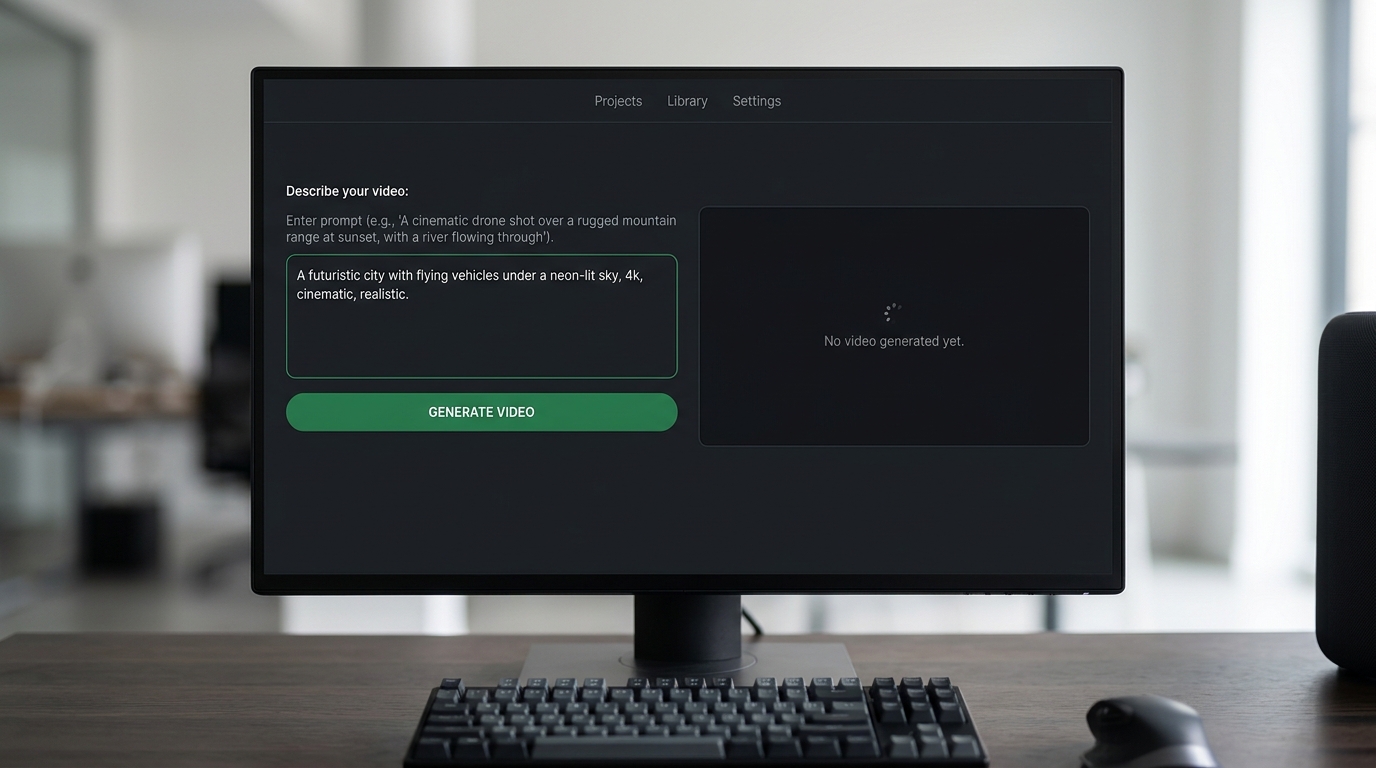
Optionally provide an initial image to anchor the AI generation. Ensure your prompt works alongside the image for the best output.
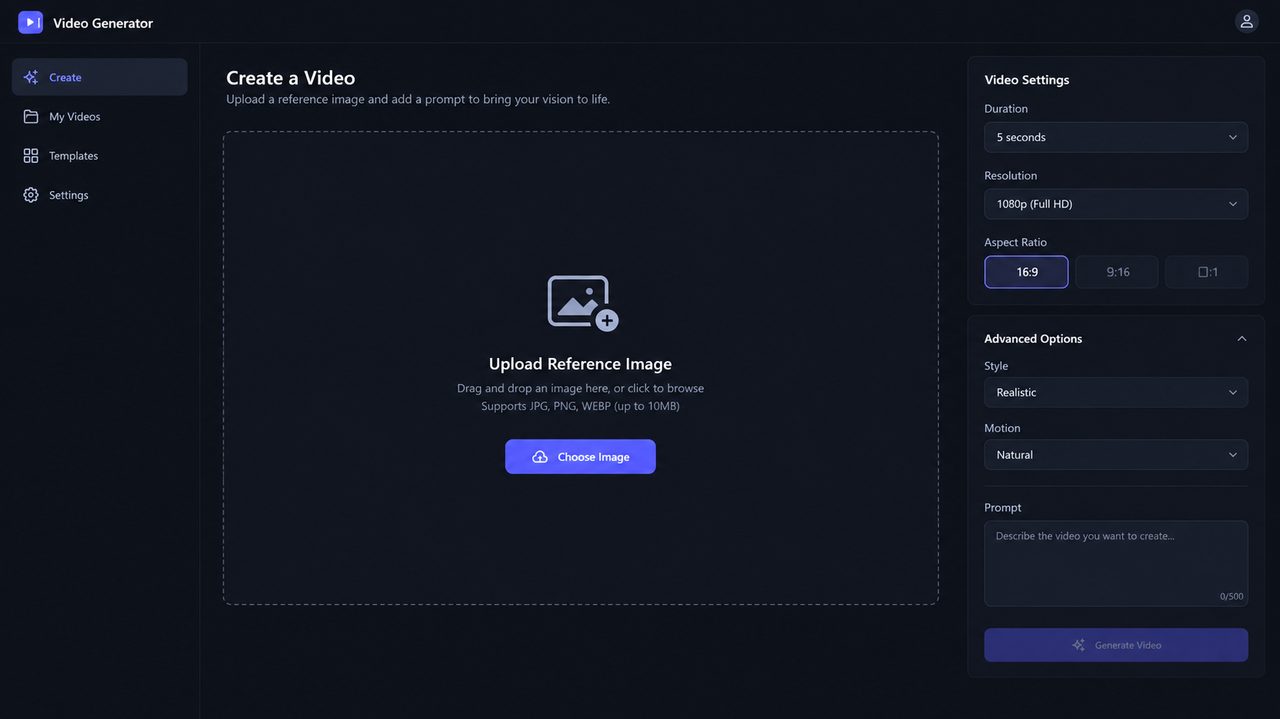
Click generate to let our advanced AI render the video. Once complete, export the final MP4 file and combine it with your audio track in any editor.
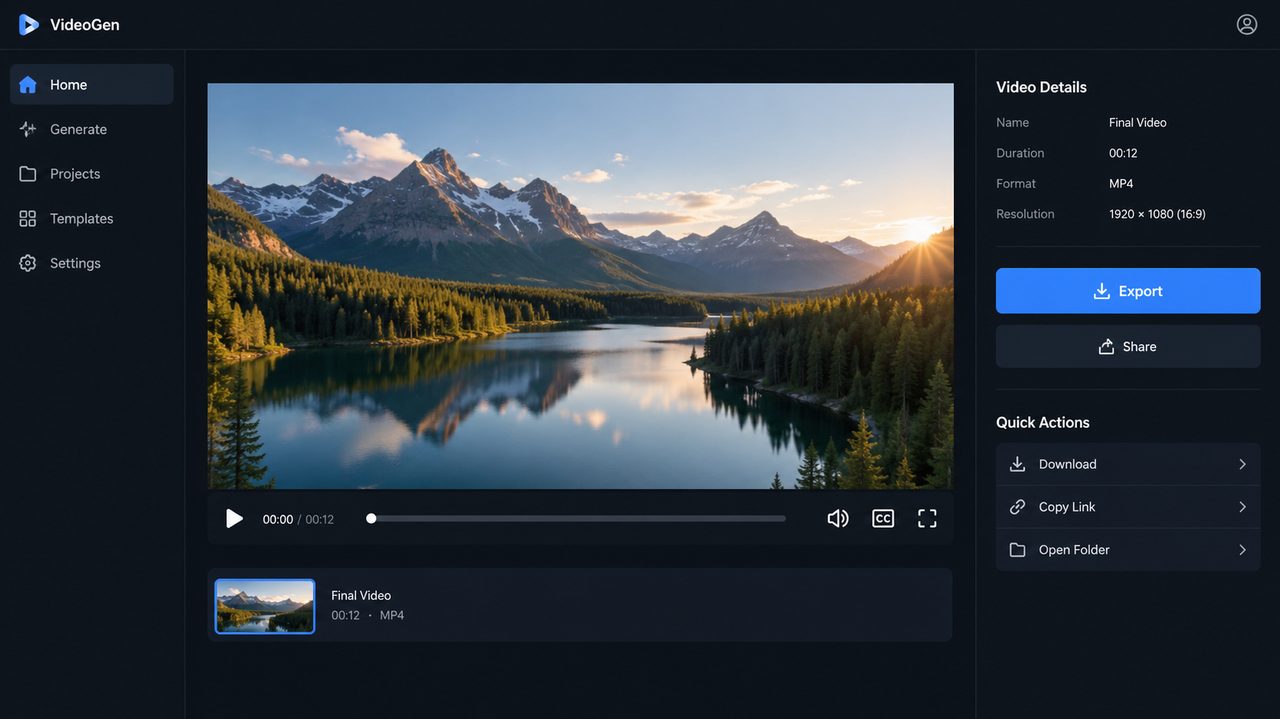

Our AI video models generate high-quality visual clips based on your text prompts and image inputs. You will need to export the generated MP4 files and align them with your audio track using standard video editing software.
We provide access to industry-leading video generation models. You can utilize Seedance 2.0, Veo 3.1, Grok Imagine, Seedance 2.0 Fast, and Kling 3.0 to achieve different visual styles for your music videos.
No. Neural4D-2o is exclusively designed for refining 3D models. To adjust a generated video, you must modify your text prompt or reference image, and generate a new clip.
All video generations are delivered in standard MP4 format. This ensures maximum compatibility with social media platforms and professional video editing workflows.
Currently, our AI models produce high-impact short video clips optimized for visual sequences. For full-length music videos, we recommend generating multiple distinct scenes and combining them in your preferred video editing software.


