

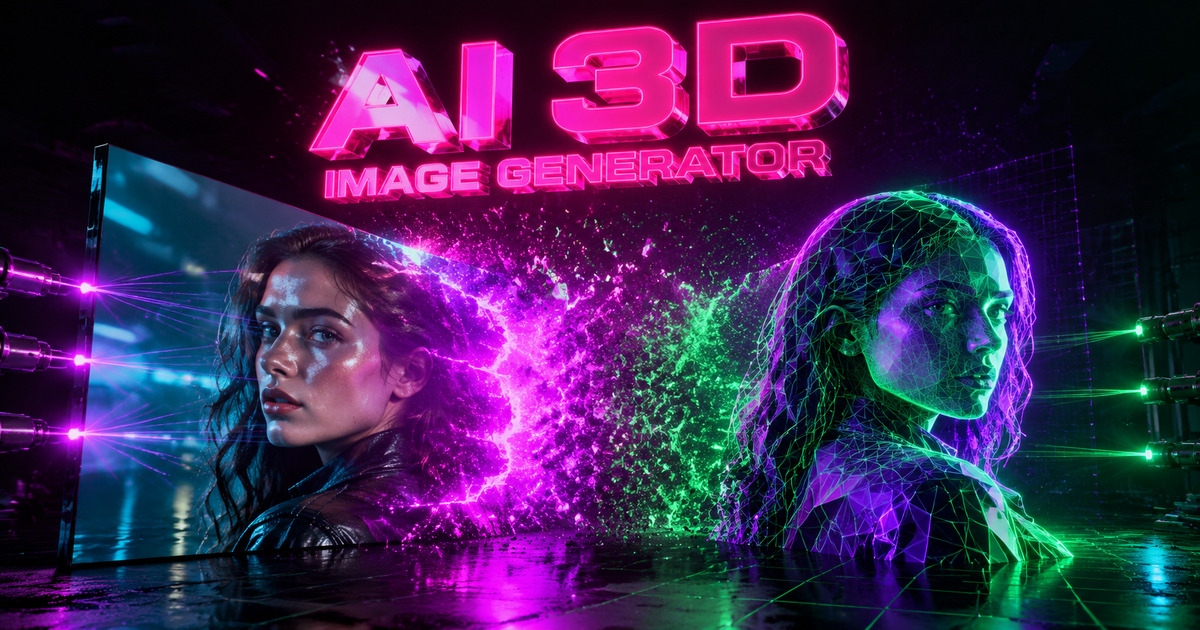
Most AI tools estimate depth from a single surface view. Neural4D's Direct3D-S2 engine (NeurIPS 2025) goes further: upload one image and it infers the full geometry from all sides, or upload multiple angles of the same object to give the engine more reference data and produce even tighter geometry. Output resolution reaches up to 2048³, with PBR materials synthesized on top.

Upload a single JPG or PNG and Direct3D-S2 infers the full 360° geometry from that one view. For more demanding objects, you can upload multiple photos taken from different angles, giving the engine richer reference data and producing tighter, more accurate geometry across every surface.
Every output is a mathematically closed manifold mesh. Send the STL directly to Cura or Chitubox with no manual repair. The topology is stable enough for FDM, SLA, and SLS printing.

Beyond geometry, the engine synthesizes Physically Based Rendering maps including Normal, Roughness, and Metallic channels. These export with the model and load correctly in Unity, Unreal Engine, and Blender.
Whether you are sending geometry to a slicer, a game engine, an AR viewer, or a 3D editor, Neural4D exports the format your pipeline expects.

Photograph a concept sketch or physical reference and get a printable STL prototype in minutes. No CAD software required. The watertight mesh goes straight to the printer.

The Direct3D-S2 engine outputs closed manifold geometry every time. Export STL, load into your slicer, and start printing. No mesh repair, no Meshmixer, no wasted filament from broken geometry.

Convert concept art and reference photos directly into FBX or GLB assets with PBR materials attached. Load them into Unity or Unreal Engine and skip the outsourced modeling step entirely.

Turn product photos into USDZ or GLB files for Shopify AR Quick Look and web-based 3D viewers. Give customers a true spatial preview before they buy, without a 3D studio budget.

Neural4D accepts JPG and PNG files. You can upload a single image or multiple photos of the same object taken from different angles. The single-image mode works well for most subjects. The multi-angle mode gives the Direct3D-S2 engine more surface reference data, which is useful for complex objects where a single view leaves large unseen areas.
Manual 3D modeling in Blender or Maya requires hours or days of skilled work. An AI 3D image converter processes a single photo and reconstructs complete geometry in minutes. The Direct3D-S2 engine handles hidden surface inference and PBR material generation automatically, without any artist intervention.
Yes. Neural4D outputs mathematically watertight manifold meshes. Export to STL and send the file directly to slicing software like Cura or Chitubox without any manual mesh repair. The geometry is compatible with FDM, SLA, and SLS printing workflows.
Neural4D supports OBJ, GLB, STL, FBX, USDZ, and BLEND. OBJ and FBX cover professional DCC tools and game engines. GLB and USDZ handle web and iOS AR. STL targets 3D printing workflows. BLEND exports a native Blender project file with materials included.
The base mesh geometry takes approximately 90 seconds. A fully textured model with PBR materials takes over 2 minutes in total. The additional time reflects the quality of the synthesis step, where the engine generates physically accurate surface maps alongside the geometry.
Paid subscribers retain 100% commercial ownership of all assets generated on the platform. Free-tier outputs are marked Trial and are available for personal, non-commercial use only.
%22%3E%3Cg%3E%3Cpath%20d%3D%22M14.22126%2C2L16.980341%2C2L10.922359%2C8.365314L18%2C17.000000999999997L12.44585%2C17.000000999999997L8.0973005%2C11.7527676L3.1189604%2C17.000000999999997L0.35988006%2C17.000000999999997L6.7777414%2C10.1918821L0%2C2L5.6921029%2C2L9.6207924%2C6.7933583L14.22126%2C2ZM13.255582%2C15.505536L14.785071%2C15.505536L4.88837%2C3.4391145L3.2449181%2C3.4391145L13.255582%2C15.505536Z%22%20fill%3D%22%23ffffff%22%20fill-opacity%3D%221%22%20style%3D%22mix-blend-mode%3Apassthrough%22%2F%3E%3C%2Fg%3E%3C%2Fg%3E%3C%2Fsvg%3E)
%22%3E%3Cg%3E%3Cg%3E%3Cpath%20d%3D%22M17.776579953674315%2C4.238972914697266C18.530987953674316%2C2.8357112146972656%2C17.668764953674316%2C1.0000038146972656%2C17.668764953674316%2C1.0000038146972656C15.728984953674317%2C1.0000038146972656%2C14.327326953674316%2C2.2953194146972655%2C14.327326953674316%2C2.2953194146972655C13.572919953674317%2C1.8635447646972656%2C11.093512553674316%2C1.8635447646972656%2C11.093512553674316%2C1.8635447646972656C11.093512553674316%2C1.8635447646972656%2C8.614197253674316%2C1.8635447646972656%2C7.859790753674316%2C2.2953194146972655C7.859790753674316%2C2.2953194146972655%2C6.4587898536743165%2C1.0000038146972656%2C4.518257353674317%2C1.0000038146972656C4.518257353674317%2C1.0000038146972656%2C3.6561312536743165%2C2.8350313146972654%2C4.410538953674316%2C4.238972914697266C4.410538953674316%2C4.238972914697266%2C2.6862124236743163%2C5.858135714697266%2C3.332825653674316%2C9.312969214697265C3.9408041536743164%2C12.559363814697265%2C6.782133553674316%2C13.415479814697266%2C8.614197253674316%2C13.415479814697266C8.614197253674316%2C13.415479814697266%2C7.859790753674316%2C14.063154814697265%2C7.967603653674316%2C15.142524814697266C7.967603653674316%2C15.142524814697266%2C6.889853453674316%2C15.790198814697266%2C5.812196053674317%2C15.358415814697265C4.734538553674316%2C14.926723814697265%2C4.1956536536743165%2C13.847263814697266%2C4.1956536536743165%2C13.847263814697266C4.1956536536743165%2C13.847263814697266%2C3.1179590536743165%2C12.443964814697265%2C2.0402743556743164%2C12.983694814697266C2.0402743556743164%2C12.983694814697266%2C1.7169677936743164%2C13.307532814697266%2C2.9024282136743165%2C13.847263814697266C2.9024282136743165%2C13.847263814697266%2C3.7645722536743165%2C15.142524814697266%2C4.087878753674316%2C15.898144814697266C4.411195253674316%2C16.653767814697268%2C6.135446553674316%2C17.301444814697266%2C7.860446953674316%2C16.869661814697267L7.860446953674316%2C19.352327814697265C7.860446953674316%2C19.352327814697265%2C7.860446953674316%2C19.568219814697265%2C7.4293847536743165%2C19.676166814697265C6.998322453674317%2C19.784110814697264%2C6.998322453674317%2C20.000003814697266%2C7.213853853674316%2C20.000003814697266L14.974576953674317%2C20.000003814697266C15.190109953674316%2C20.000003814697266%2C15.190109953674316%2C19.784110814697264%2C14.759046953674316%2C19.676166814697265C14.327983953674316%2C19.568219814697265%2C14.327983953674316%2C19.352327814697265%2C14.327983953674316%2C19.352327814697265L14.327983953674316%2C16.869661814697267C14.327983953674316%2C16.869661814697267%2C14.337451953674316%2C15.575053814697265%2C14.327983953674316%2C15.142524814697266C14.304263953674317%2C14.057753814697266%2C13.573576953674316%2C13.415479814697266%2C13.573576953674316%2C13.415479814697266C15.405640953674316%2C13.415479814697266%2C18.246925953674317%2C12.559363814697265%2C18.854893953674317%2C9.312969214697265C19.501579953674316%2C5.858135714697266%2C17.777234953674316%2C4.238972914697266%2C17.776579953674315%2C4.238972914697266L17.776579953674315%2C4.238972914697266Z%22%20fill%3D%22%23ffffff%22%20fill-opacity%3D%221%22%20style%3D%22mix-blend-mode%3Apassthrough%22%2F%3E%3C%2Fg%3E%3C%2Fg%3E%3C%2Fg%3E%3C%2Fsvg%3E)


%22%2F%3E%3C%2Fsvg%3E)

%22%2F%3E%3C%2Fsvg%3E)