

Meet the Neural4D AI 3D Agent. Simply select 'Generate 3D', 'Generate image', or 'Generate video' directly in the interface and provide a natural language description. The agent instantly processes your request and delivers production-ready assets right inside your browser, drastically shortening your operation time.

What is an AI 3D Agent? It is an intelligent conversational entry point built into Neural4D Studio that translates your ideas directly into finished assets. By offering direct interface options for 'Generate 3D', 'Generate image', and 'Generate video', the agent removes complex navigation. Simply select your desired format, provide your prompt or `@asset` tags, and the agent instantly processes your request.
Remove the friction of navigating through multiple workspaces. The agent interface provides direct options to Generate 3D, image, or video. This immediate selection drastically shortens your operation time and accelerates the path from concept to output.

Type `@asset` in the chat to pull in your previously generated 3D models or uploaded photos. The agent uses them as direct references to create stylistic variations, animations, or derivative meshes instantly.

Whether you request a character, a prop, or a mechanical part, the agent leverages the Direct3D-S2 engine to output a closed, watertight triangular mesh ready for immediate 3D printing or rendering.
See how the AI 3D Agent eliminates manual overhead and accelerates your creative pipeline.
Experience the seamless routing workflow of the Neural4D AI 3D Agent.
Open Neural4D Studio and directly choose 'Generate 3D', 'Generate image', or 'Generate video' in the AI Agent interface. Then, enter your concept using natural language descriptions, reference photos, or `@asset` tags. This direct selection instantly shortens your workflow.

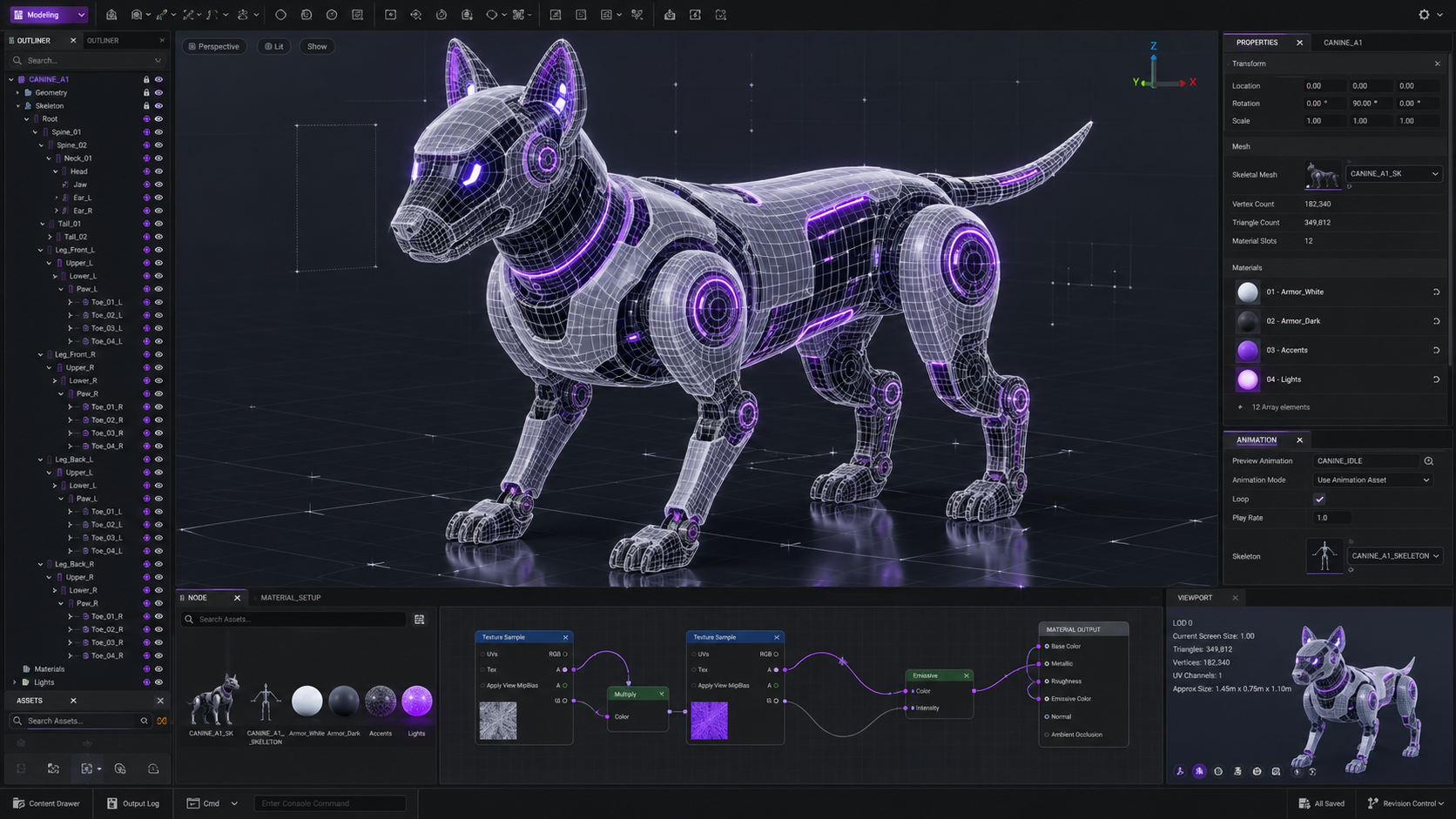
Based on your direct selection, the AI 3D Agent instantly routes your request to the correct generation engine. It optimizes all backend parameters, including resolution and topology settings, and rapidly processes the request using our GPU cluster.
Within seconds, your finished asset is delivered directly into the corresponding workspace. The generated 3D model is a complete, watertight triangular mesh with full PBR textures, ready to be inspected, remixed, or downloaded in STL, GLB, or FBX formats.
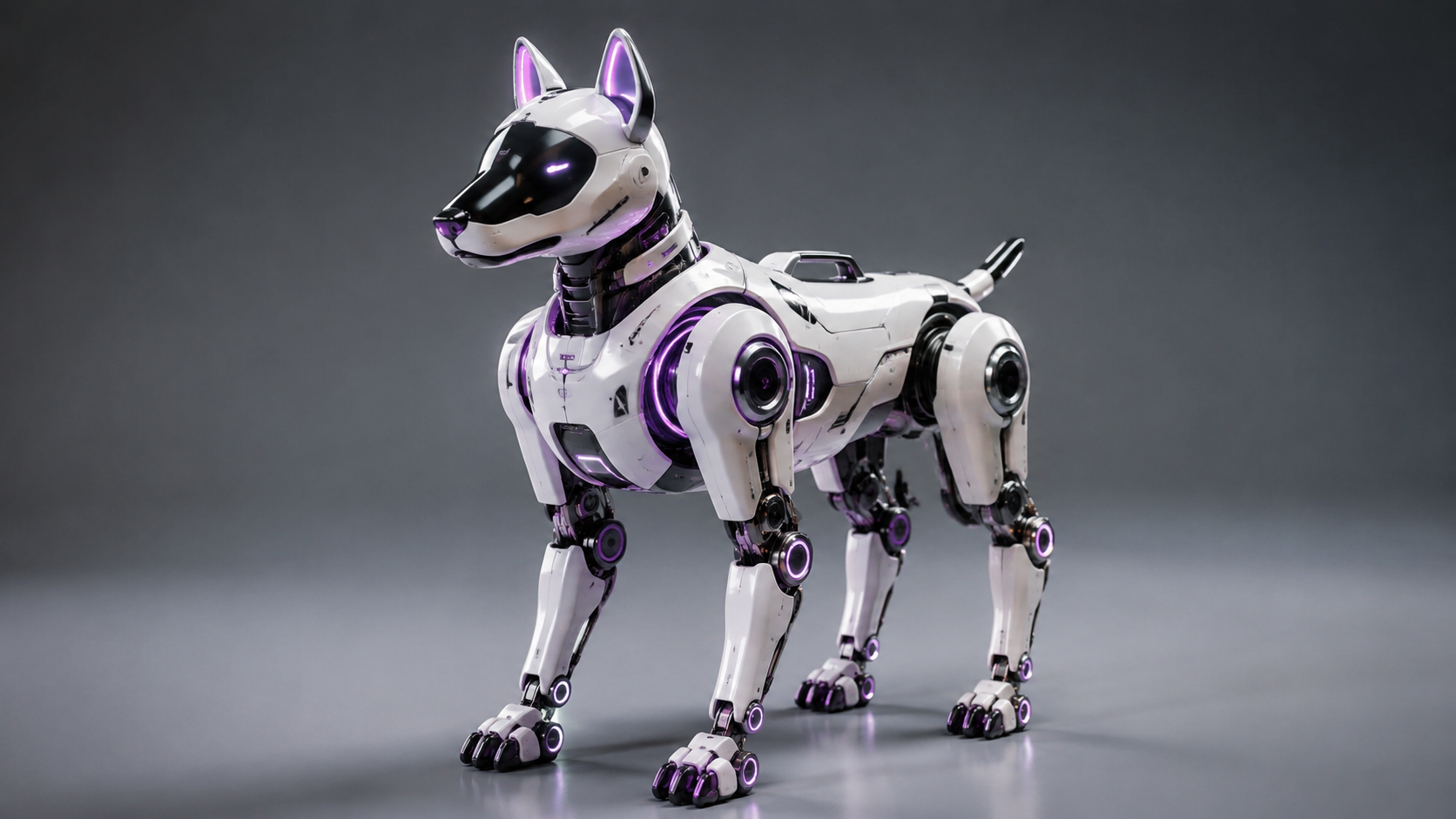
See how professionals accelerate production pipelines with intent-driven agent routing.
Industrial designers can simply select 'Generate 3D' and tell the agent to create a mid-century modern chair concept. The agent instantly processes the prompt through the Direct3D-S2 engine, bypassing complex workspace navigation to deliver a structurally accurate, watertight prototype.
Hardware engineers can select 'Generate 3D', upload technical reference images, and request a model. The agent instantly processes the photos into a closed, high-density triangular mesh (STL format) with zero non-manifold edges, ready for slicers.
Game developers can select 'Generate 3D' and describe an environment prop to the agent. The agent generates a production-ready asset complete with PBR texture maps (diffuse, normal, roughness), allowing creators to drop it directly into Unity or Unreal Engine 5.
Creators can use the `@asset` tag to feed previously generated elements back into the conversational interface. The agent intelligently references the topology and style of the original asset to quickly spin out cohesive design variations.
Join the Neural4D Studio and let our AI Agent turn your descriptions into production-ready 3D models.
Start Generating with AI Agent Now →
The AI 3D Agent is an intelligent conversational entry point in Neural4D Studio that translates user descriptions directly into finished assets. By offering direct interface options to 'Generate 3D', 'Generate image', or 'Generate video', it removes complex navigation and allows you to instantly process text, images, and @asset references.
No. The AI 3D Agent focuses on intent routing and rapid asset generation rather than conversational fine-tuning. Its primary purpose is to help users instantly reach the correct workspace and generate an accurate initial asset by interpreting natural language descriptions.
You can type `@asset` in the agent's input field to pull in previously generated 3D models or images from your Studio library. This allows the AI to use your existing designs as direct context, significantly speeding up the creation of design variations or complementary assets.
Yes. When you select 'Generate 3D', the agent instantly routes your request to our Direct3D-S2 engine, which outputs closed, watertight triangular meshes. These high-density models contain zero non-manifold edges and are ready to be imported into slicing software for additive manufacturing.
Yes, all registered Neural4D users have access to the AI 3D Agent. Free users receive 50 Power per week to generate models, while paid plans provide higher concurrency and advanced export capabilities.

'%3e%3cg%3e%3cpath%20d='M14.22126,2L16.980341,2L10.922359,8.365314L18,17.000000999999997L12.44585,17.000000999999997L8.0973005,11.7527676L3.1189604,17.000000999999997L0.35988006,17.000000999999997L6.7777414,10.1918821L0,2L5.6921029,2L9.6207924,6.7933583L14.22126,2ZM13.255582,15.505536L14.785071,15.505536L4.88837,3.4391145L3.2449181,3.4391145L13.255582,15.505536Z'%20fill='%23ffffff'%20fill-opacity='1'%20style='mix-blend-mode:passthrough'/%3e%3c/g%3e%3c/g%3e%3c/svg%3e)
'%3e%3cg%3e%3cg%3e%3cpath%20d='M17.776579953674315,4.238972914697266C18.530987953674316,2.8357112146972656,17.668764953674316,1.0000038146972656,17.668764953674316,1.0000038146972656C15.728984953674317,1.0000038146972656,14.327326953674316,2.2953194146972655,14.327326953674316,2.2953194146972655C13.572919953674317,1.8635447646972656,11.093512553674316,1.8635447646972656,11.093512553674316,1.8635447646972656C11.093512553674316,1.8635447646972656,8.614197253674316,1.8635447646972656,7.859790753674316,2.2953194146972655C7.859790753674316,2.2953194146972655,6.4587898536743165,1.0000038146972656,4.518257353674317,1.0000038146972656C4.518257353674317,1.0000038146972656,3.6561312536743165,2.8350313146972654,4.410538953674316,4.238972914697266C4.410538953674316,4.238972914697266,2.6862124236743163,5.858135714697266,3.332825653674316,9.312969214697265C3.9408041536743164,12.559363814697265,6.782133553674316,13.415479814697266,8.614197253674316,13.415479814697266C8.614197253674316,13.415479814697266,7.859790753674316,14.063154814697265,7.967603653674316,15.142524814697266C7.967603653674316,15.142524814697266,6.889853453674316,15.790198814697266,5.812196053674317,15.358415814697265C4.734538553674316,14.926723814697265,4.1956536536743165,13.847263814697266,4.1956536536743165,13.847263814697266C4.1956536536743165,13.847263814697266,3.1179590536743165,12.443964814697265,2.0402743556743164,12.983694814697266C2.0402743556743164,12.983694814697266,1.7169677936743164,13.307532814697266,2.9024282136743165,13.847263814697266C2.9024282136743165,13.847263814697266,3.7645722536743165,15.142524814697266,4.087878753674316,15.898144814697266C4.411195253674316,16.653767814697268,6.135446553674316,17.301444814697266,7.860446953674316,16.869661814697267L7.860446953674316,19.352327814697265C7.860446953674316,19.352327814697265,7.860446953674316,19.568219814697265,7.4293847536743165,19.676166814697265C6.998322453674317,19.784110814697264,6.998322453674317,20.000003814697266,7.213853853674316,20.000003814697266L14.974576953674317,20.000003814697266C15.190109953674316,20.000003814697266,15.190109953674316,19.784110814697264,14.759046953674316,19.676166814697265C14.327983953674316,19.568219814697265,14.327983953674316,19.352327814697265,14.327983953674316,19.352327814697265L14.327983953674316,16.869661814697267C14.327983953674316,16.869661814697267,14.337451953674316,15.575053814697265,14.327983953674316,15.142524814697266C14.304263953674317,14.057753814697266,13.573576953674316,13.415479814697266,13.573576953674316,13.415479814697266C15.405640953674316,13.415479814697266,18.246925953674317,12.559363814697265,18.854893953674317,9.312969214697265C19.501579953674316,5.858135714697266,17.777234953674316,4.238972914697266,17.776579953674315,4.238972914697266L17.776579953674315,4.238972914697266Z'%20fill='%23ffffff'%20fill-opacity='1'%20style='mix-blend-mode:passthrough'/%3e%3c/g%3e%3c/g%3e%3c/g%3e%3c/svg%3e)


